
Features
Everything your administration needs, in one place
From the appointment on site to the VAT return: TelMaar replaces the separate subscriptions and spreadsheets with one environment. Below you'll find what each part does for you.
Planning and doing the work
The work itself: what happens when, who does it and what it cost.

Planning and jobs
From the appointment in your calendar to the invoice, without retyping
Between an appointment and an invoice sits the work itself, and that is exactly what no bookkeeping package records. So you type the same client into your calendar app, into your work order app and once more into your bookkeeping, and at the end of the month you have to work out yourself which job you have not invoiced.
View
Planning
A planning board that thinks along about who is best for the job
Who do you send to a job? The engineer who is nearest, or the one with the right certificate, or the one who still has a gap today. Usually you weigh that up in your head, every morning again.
View
Work order
The work order you finish on the doorstep
An argument about a bill is rarely about the amount and almost always about what exactly was done. A work order you fill in on the spot and have signed removes that argument before it starts.
View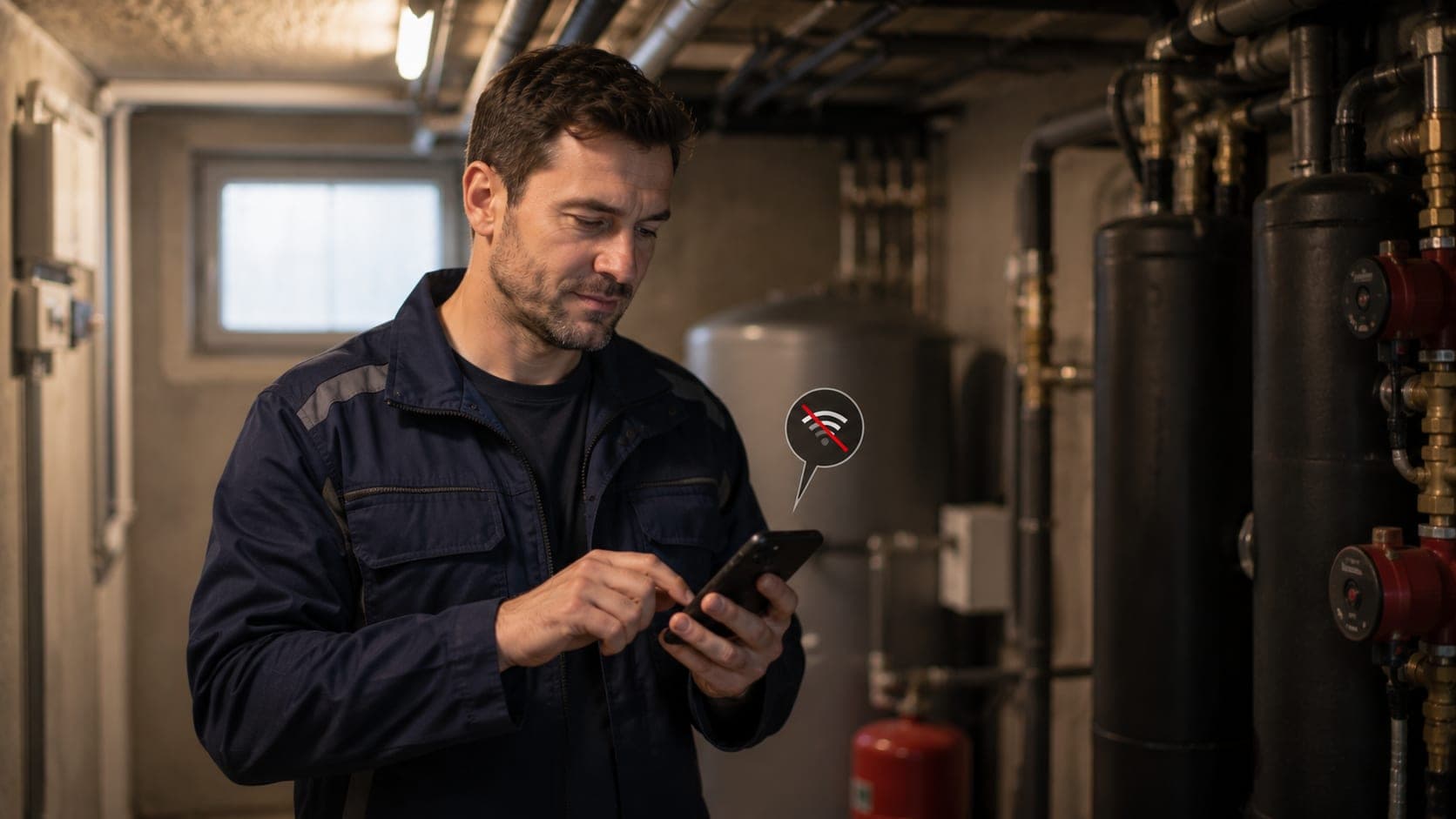
Offline
Keep working in a basement with no signal, save the moment you are back above ground
The work does not always happen somewhere with four bars. In a basement, a meter cupboard behind thick concrete or on a roof outside the village the connection drops, and that is exactly where you need to be able to fill in the work order.
View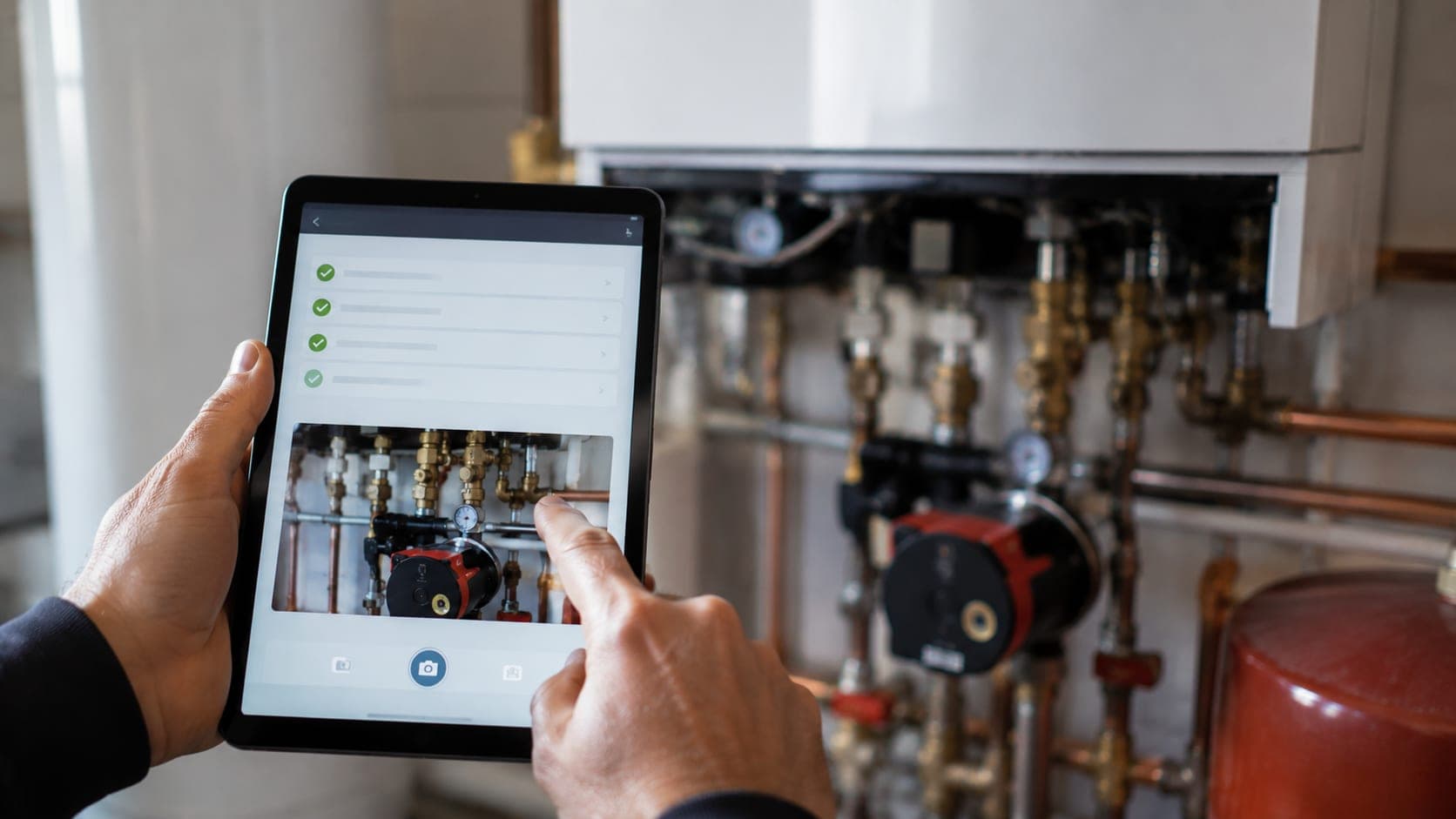
Forms
Your own forms and checklists, filled in on the job
Every trade has its own lists: a handover checklist, an inspection form, a set of questions for the first visit to a client. On paper they go missing, and on a standard form your way of working rarely fits exactly.
View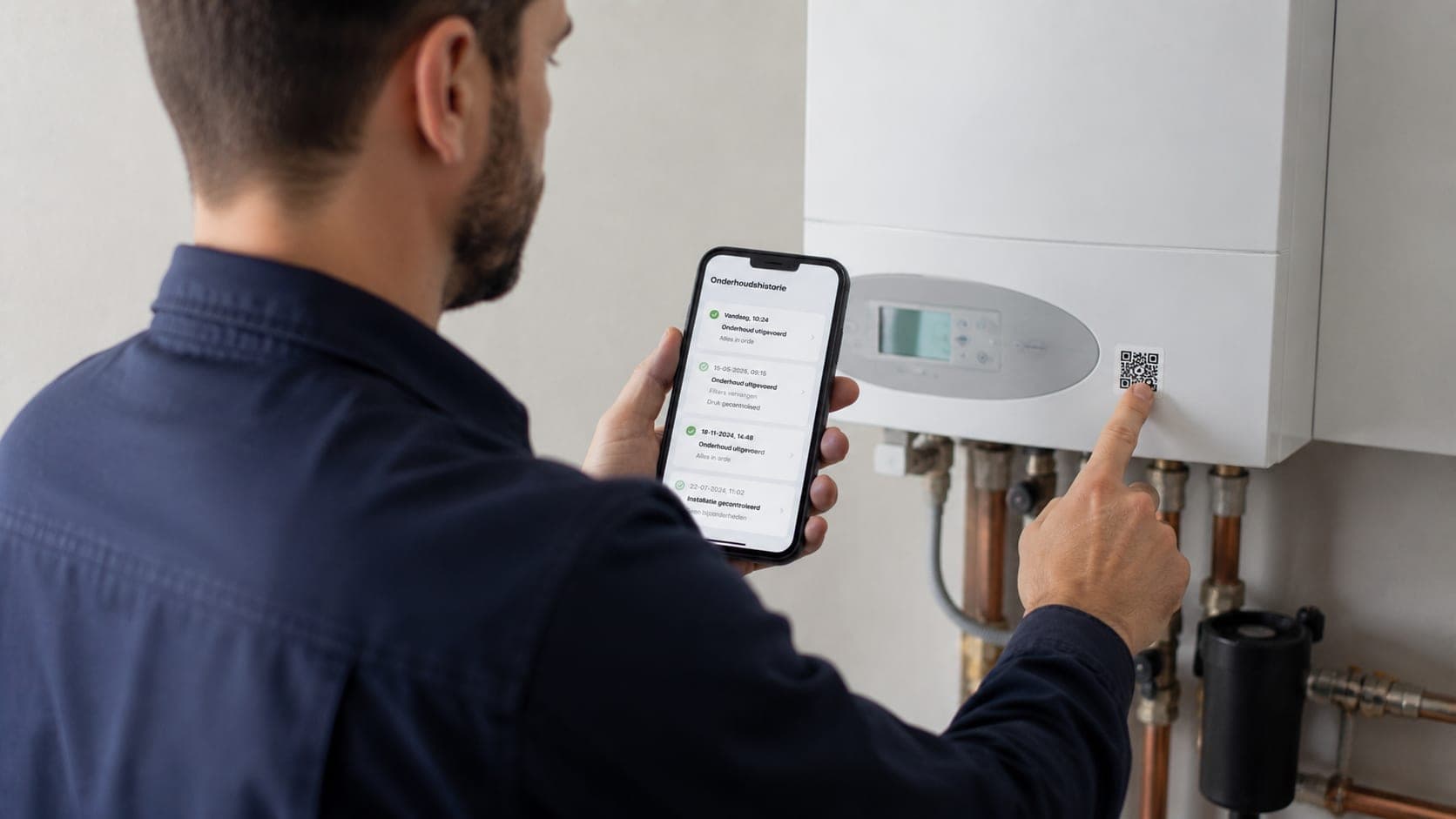
Objects
A sticker on every unit, the history behind every scan
When something breaks down you want to know what was done to this unit last time, and not have to dig through a file first. That only works if the history hangs off the unit itself, not off a separate job from six months back.
View
Hours and projects
Log your hours, rebill them in one click
Register hours against a project, mark whether they're billable and keep an immediate eye on budget and progress.
ViewSelling and getting paid
From the first conversation to the moment the money is in your account.

Quotes and invoices
From quote to paid invoice in a few clicks
Put a quote together, send it in your own house style and turn it into an invoice with one click as soon as your client agrees. No double work, no retyping of lines.
View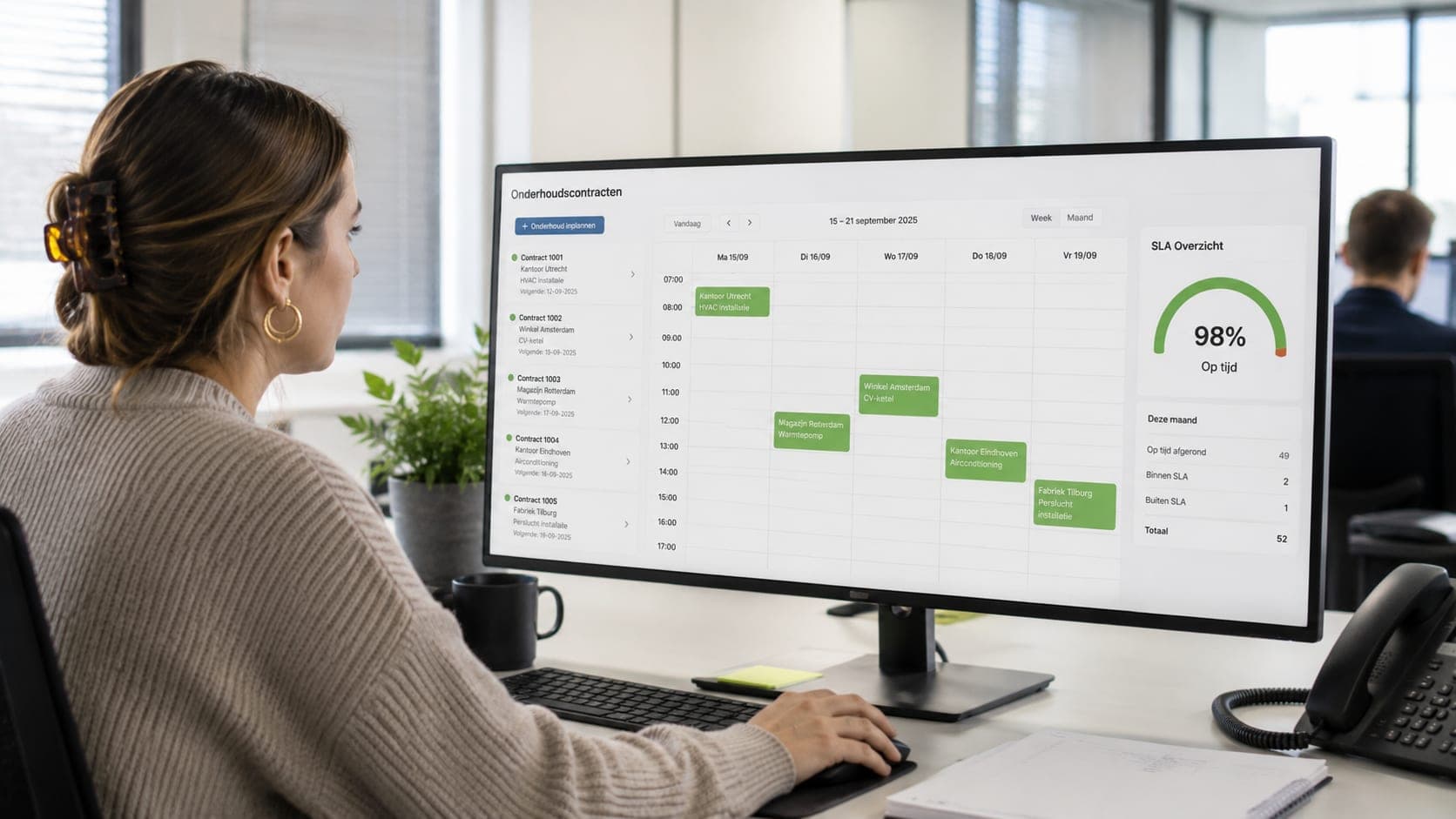
Contracts
Maintenance contracts that renew themselves and give the job priority
A service contract is only restful when it does not ask for your attention every year again. The renewal has to happen on its own, the included hours have to be right on the invoice, and an emergency from a contract client has to come before the rest.
View
Online payments
Let clients pay online, straight away
Every invoice includes a payment link via Stripe or Mollie, so your client can pay in a few taps without having to make a manual bank transfer.
View
Reminders and direct debit
Keep pressing, and know what you are allowed to charge
An invoice that goes unpaid costs you twice: the money that fails to arrive and the time spent chasing it. TelMaar sends the reminders itself, rising in tone, and tracks per invoice which ones have gone out.
View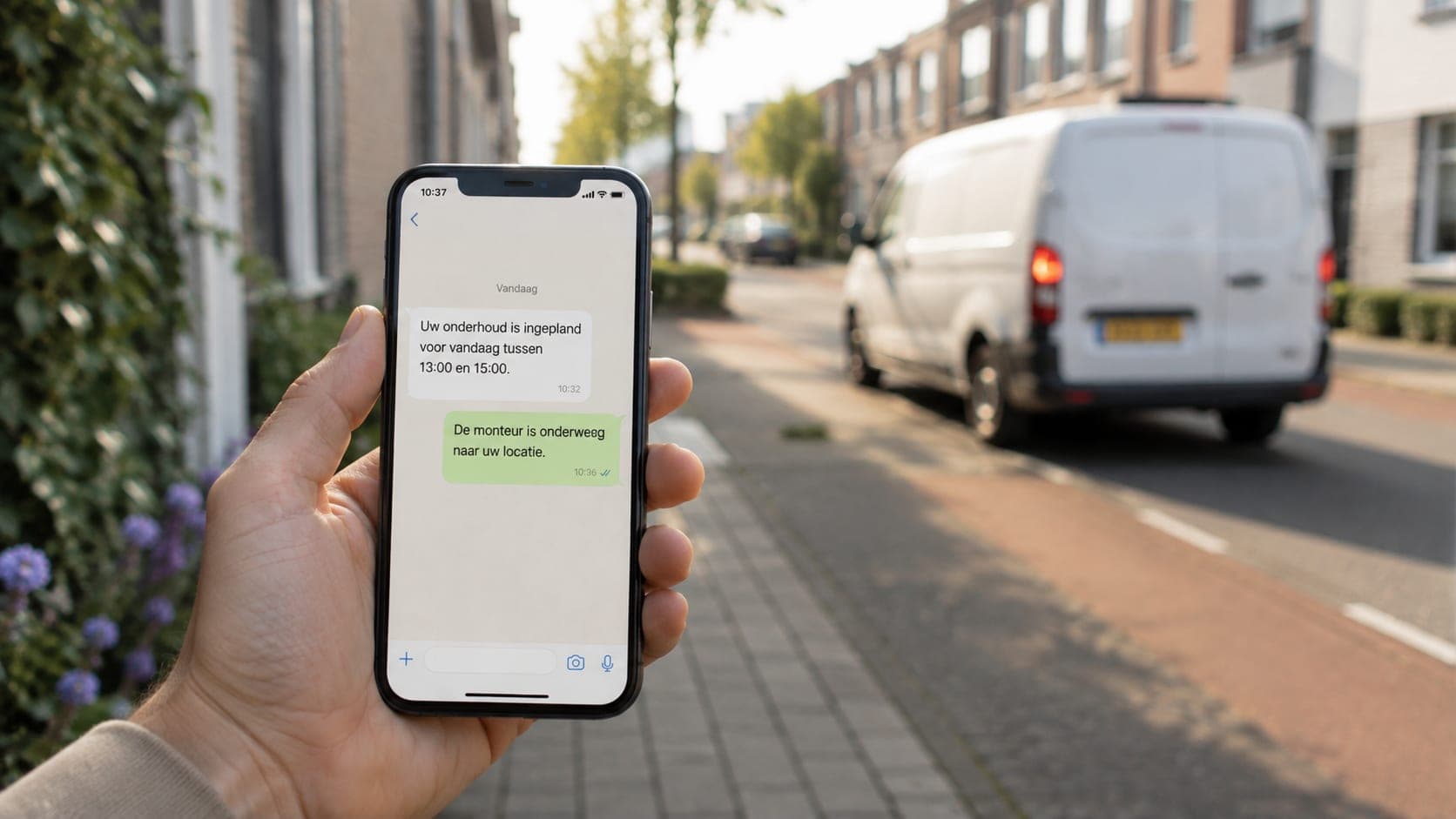
Communication
A message at the right moment, in the client's language
A client's questions come at fixed moments: is my appointment confirmed, is the engineer on the way, when is that invoice due. A short message at that moment saves them a phone call and saves you an interruption.
View
Contacts and leads
One file per client, from the first conversation to the last invoice
Client details get scattered: the number in your phone, the appointment in your email, the contract in a folder and the invoices in your bookkeeping. When someone calls, you search in three places at once.
ViewAdministration and bookkeeping
What has to add up afterwards: costs, ledger, VAT and the return.

Purchase invoices
Purchase invoices that process themselves
Record purchase invoices from suppliers, attach the document and route them through an approval flow before they're paid.
View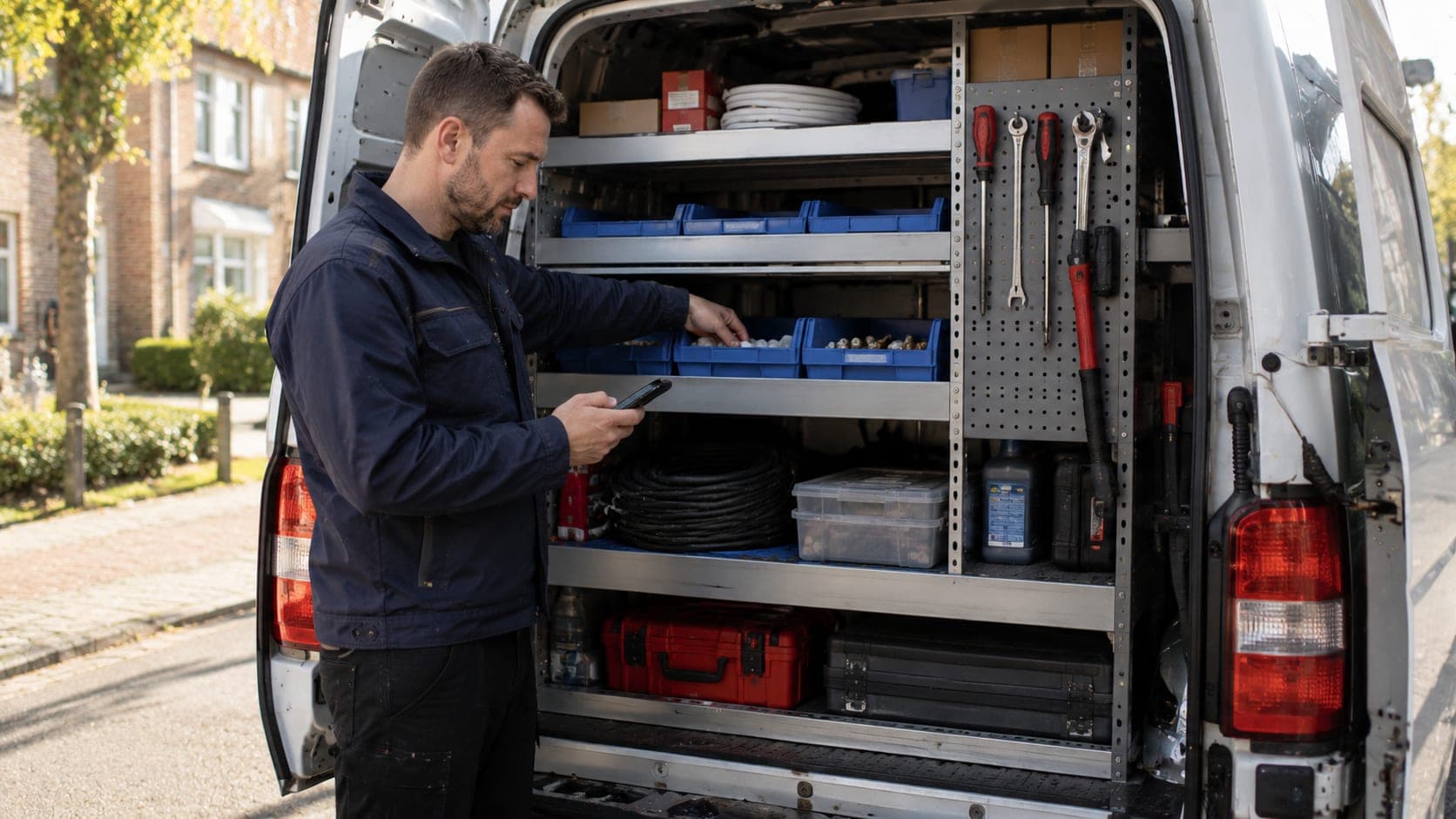
Stock
What you put on the work order comes off your van
The stock in your van rarely matches the list at the office, because between grabbing a part and updating the administration there is a whole working day. As long as those two stand apart, you keep guessing what is still there.
View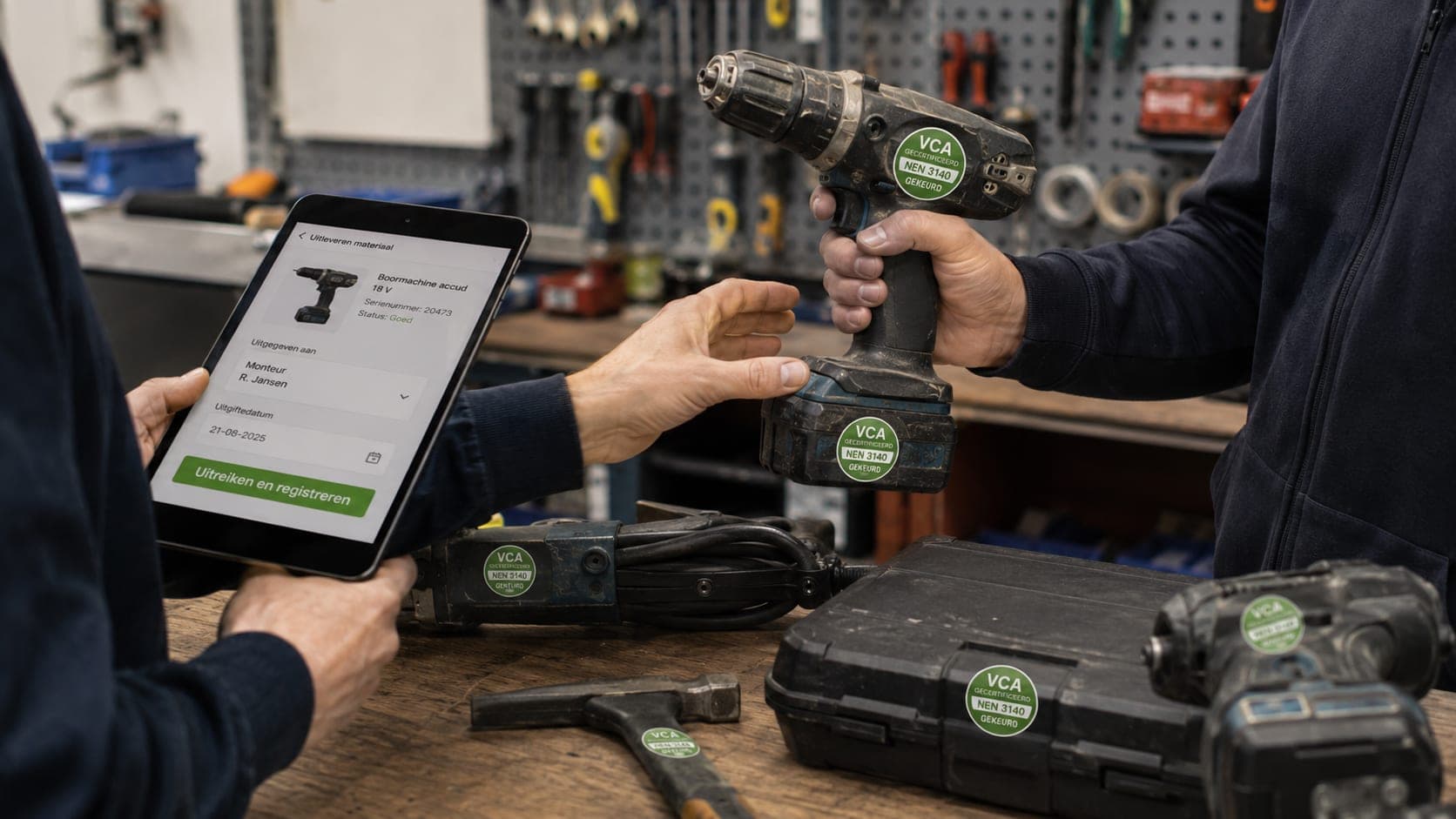
Equipment
Tools with an inspection date, phones you block remotely
Tools that have to be inspected are a risk the moment no one keeps track of the date. And a phone left behind on the train is a risk as long as it can still log in. Both call for a register that keeps an eye on the status.
View
Bank and cash flow
Knowing what is coming in before it is in
Today's balance says little about next month. What you want to know is which invoices are still open, when they fall due and which bills are set against them.
View
Bookkeeping
A set of books that keeps itself up to date
Every sales invoice and every purchase invoice you process fills your ledger automatically. You do not have to post anything by hand to have an up-to-date picture.
View
VAT return
A VAT return that is already waiting
Because your sales and purchases are already in your bookkeeping, TelMaar does not have to collect anything extra for your VAT return: the figures are there.
View
Mileage
Trips you deduct, and trips you pass on
The tax authority asks, per trip, for the date, the starting point, the destination, the number of kilometres and the business purpose. Anyone reconstructing that afterwards from their calendar does it once a year, reluctantly, and rarely completely.
ViewOverview, collaboration and security
Insight into the figures, letting clients and colleagues look along, and who is allowed to do what.

Reports and export
Figures you can use, and files your accountant asks for
Reports show revenue, receivables and costs for the company you are working in. If you have several, the group dashboard puts them side by side and consolidation converts different currencies into a single reporting currency.
View
Client portal
Your client does not have to call to know where they stand
Most of the questions a client asks are ones they could answer themselves if you gave them the place: which invoice is still open, what was in that quote again, what exactly was done on that Tuesday.
View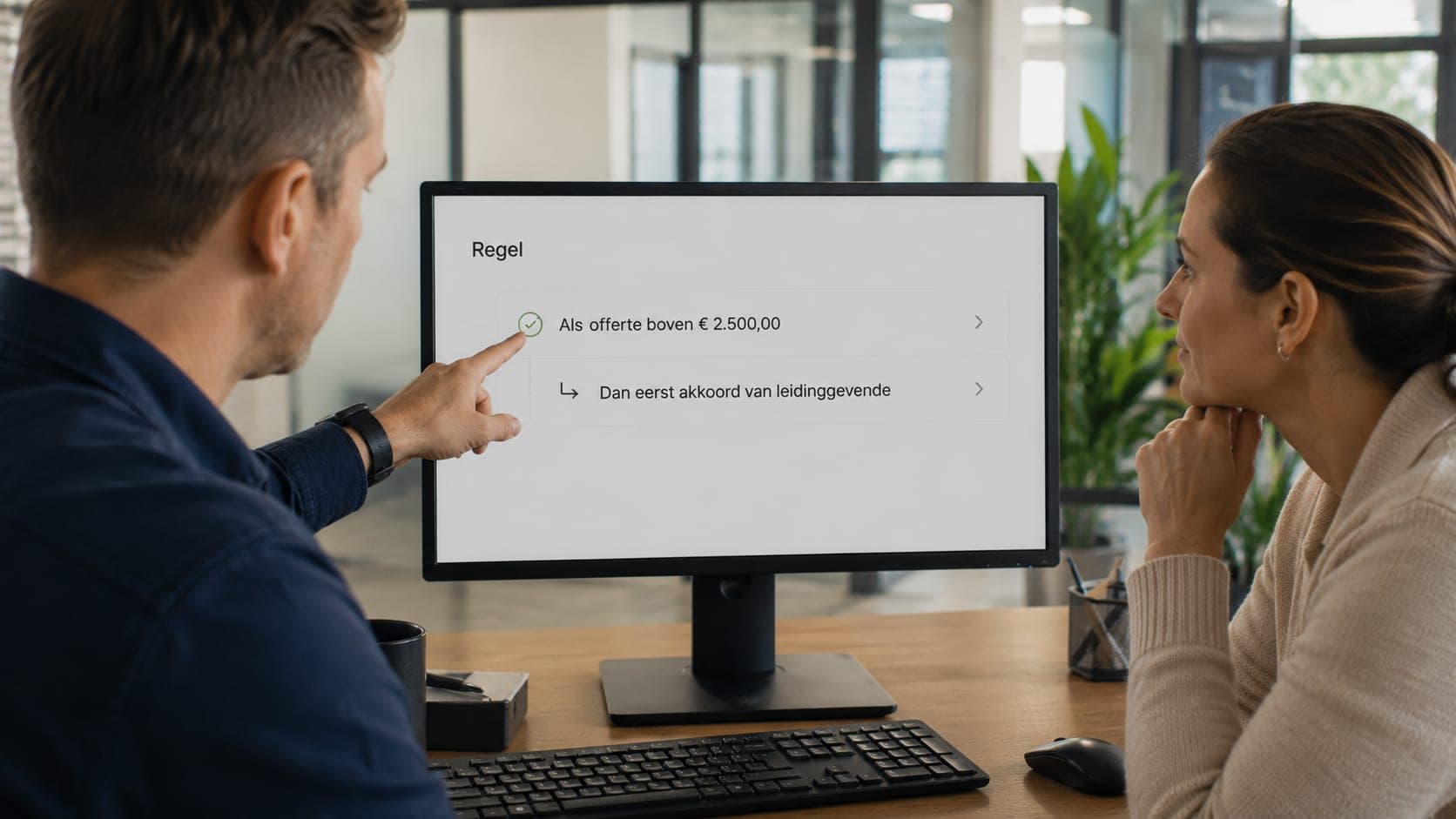
Automations
If-then rules that take work off your hands, approvals that stay strict
Some steps you do every time again, and others you would rather not let pass without a second pair of eyes. A discount above a limit, an expensive purchase, a quote: someone should look at that before it goes ahead.
View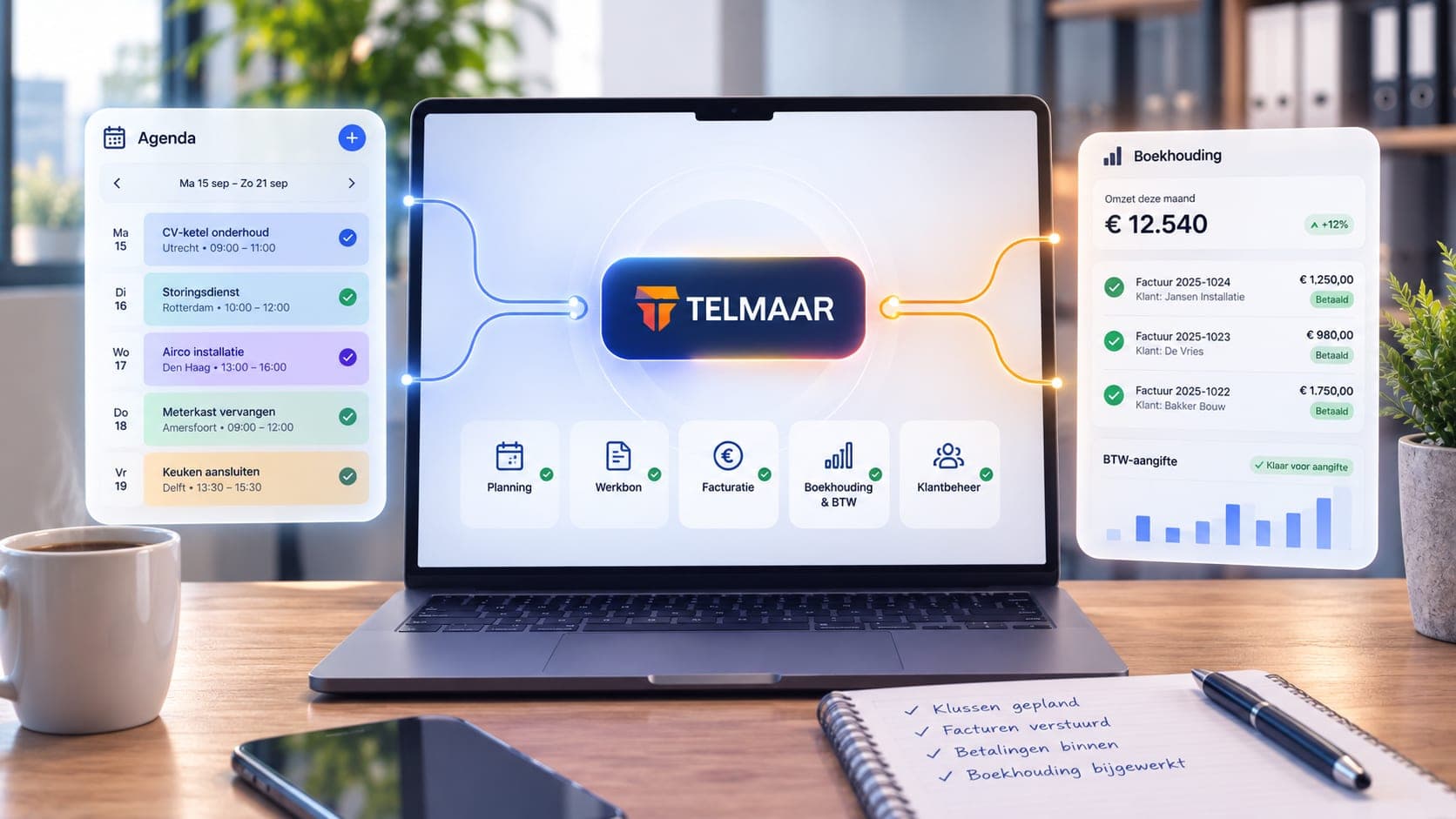
Integrations
An API with permissions, webhooks that keep other systems in the loop
If you want to tie TelMaar to another system, that has to be secure and targeted: an integration should only reach the company it is meant for, and other systems want to know when something happens without asking for it all the time.
View
Assistant
Ask a question in plain language, and see what stands out
Not everyone knows which screen holds the answer. The assistant lets you ask questions the way you would ask them: how much does that client still owe, what was my revenue in the second quarter, which invoices have been open longest.
View
Security and roles
Who is allowed to do what, and who did what
As soon as more than one person works in the administration, the question is not only what the software can do but also who is allowed to do it. Rights apply per company and are enforced at database level: anyone without rights to an administration does not get that data, not even by a detour.
View
Multiple companies
All your companies, one account
Do you run several private limited companies or trade names? Manage them all from a single account and switch between administrations in a couple of clicks.
View
For multilingual teams
Work in your own language. Your invoice stays Dutch.
TelMaar runs entirely in nine languages: Dutch, English, Turkish, Arabic, Spanish, French, German, Polish and Bulgarian. You do not need to speak Dutch to understand the software.
View
The Command Center
One login. A home screen that fits your role.
An owner, a bookkeeper and an engineer open the same software with completely different questions. In TelMaar everyone logs in at the same place and everyone gets a different starting screen: eight roles, eight home screens, one set of books underneath.
View
The language bridge
Everyone works in their own language. The books stay Dutch.
The language bridge is the heart of TelMaar. Your engineer fills in the job sheet in Polish, Turkish or Arabic. Your administration reads the same work in Dutch, with the right article code, the right VAT rate and the right amount.
View
Search and act
Ctrl+K, type, done
The command bar opens anywhere with Ctrl+K, or Cmd+K on a Mac. Type a customer name, an invoice number, a licence plate or the start of an action, and you either jump straight there or carry it out on the spot.
View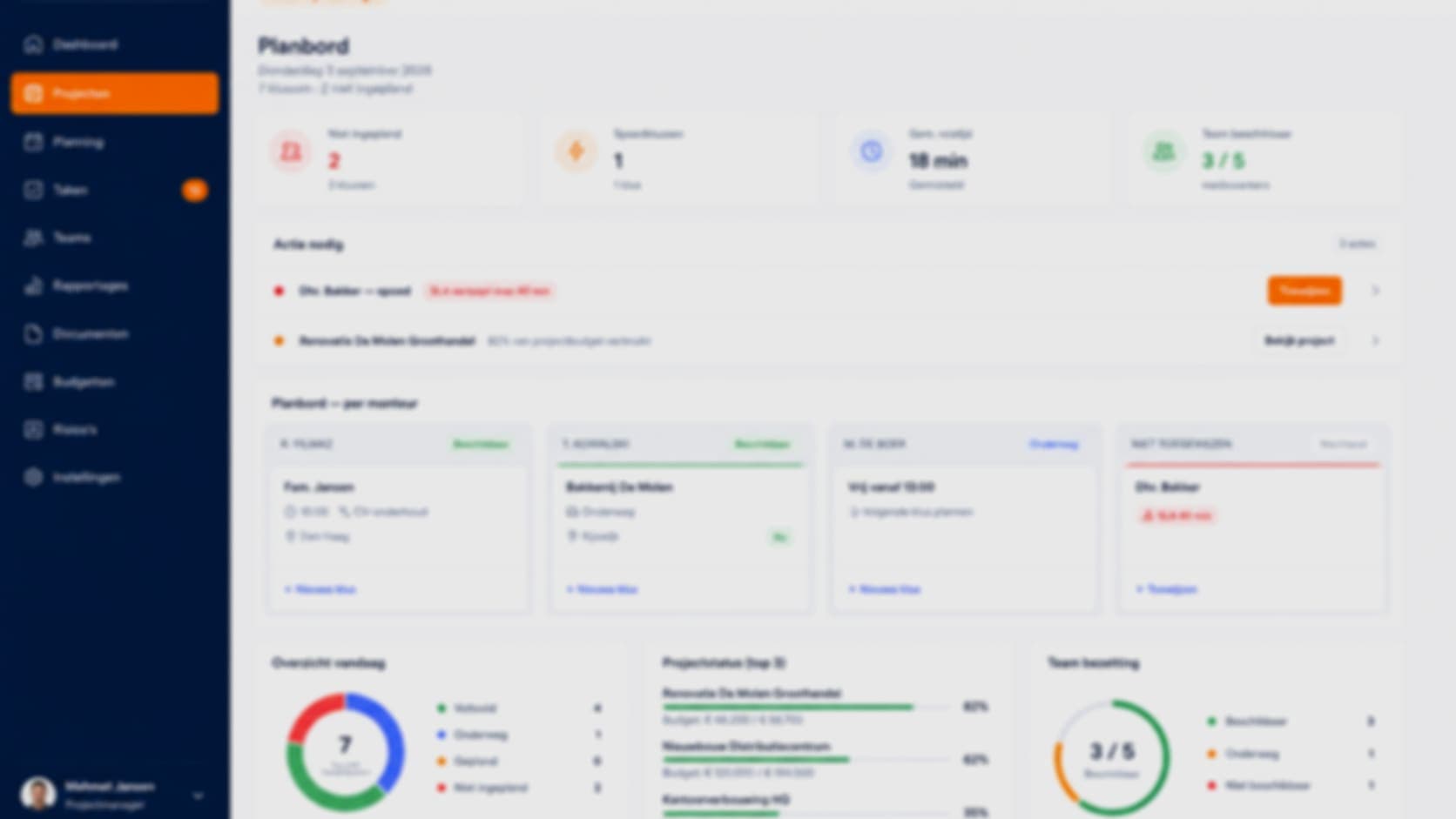
Notifications
Know what is going on without watching all day
TelMaar lets you know when something happens that needs your attention: a quote that gets accepted, a payment that lands, a job sheet without a signature, an invoice that is overdue.
View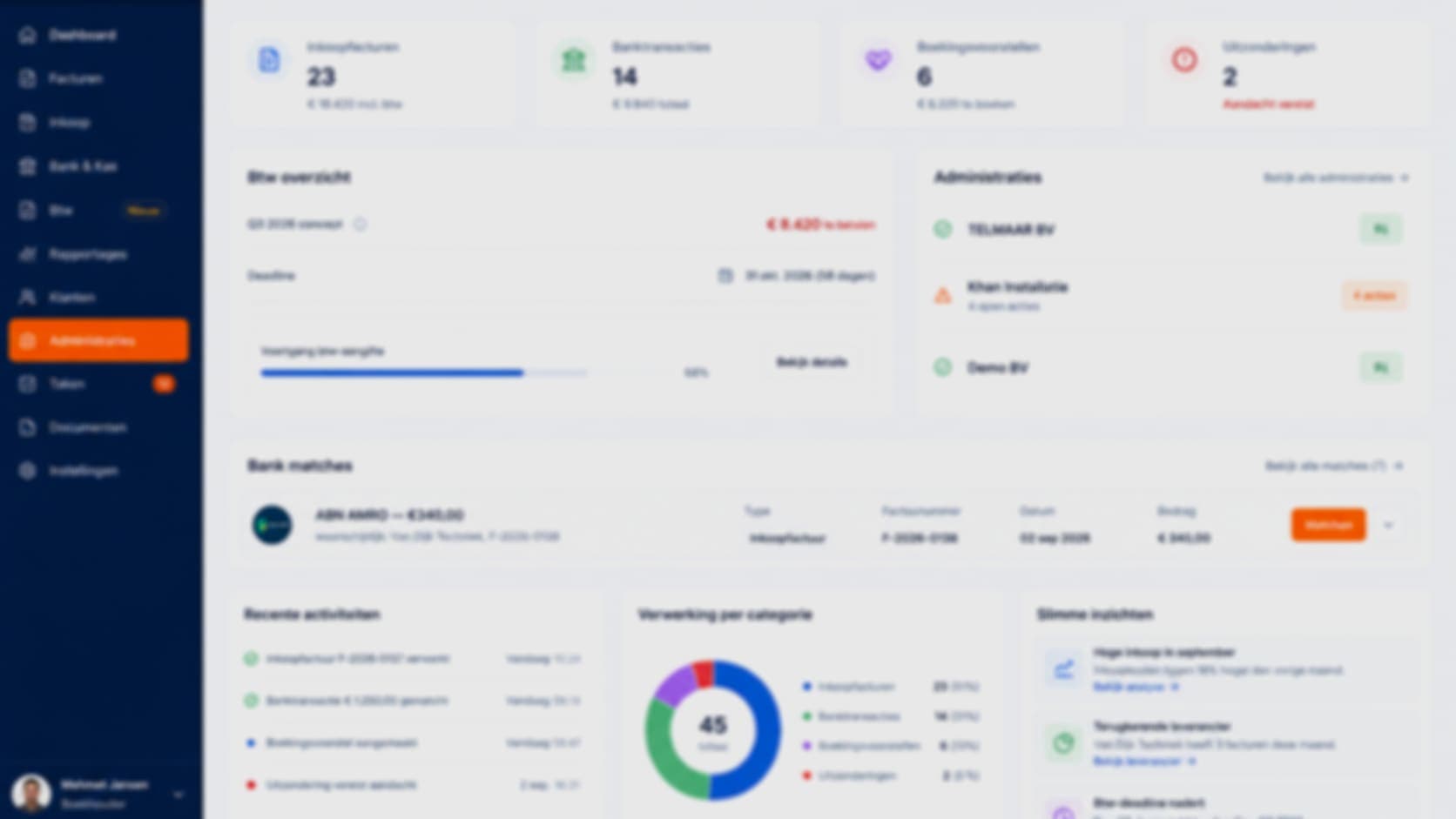
Sector profiles
The words of your trade, from day one
An installation company calls it a job sheet, a cleaning company a report, an IT company a ticket. TelMaar knows six sector profiles: installation, construction, cleaning, IT support, veranda and a generic profile for everything else.
ViewReady to see how it works for yourself?
Start for free and discover in a few minutes why TelMaar fits your business.
Start for free