Equipment
Tools with an inspection date, phones you block remotely
Tools that have to be inspected are a risk the moment no one keeps track of the date. And a phone left behind on the train is a risk as long as it can still log in. Both call for a register that keeps an eye on the status.
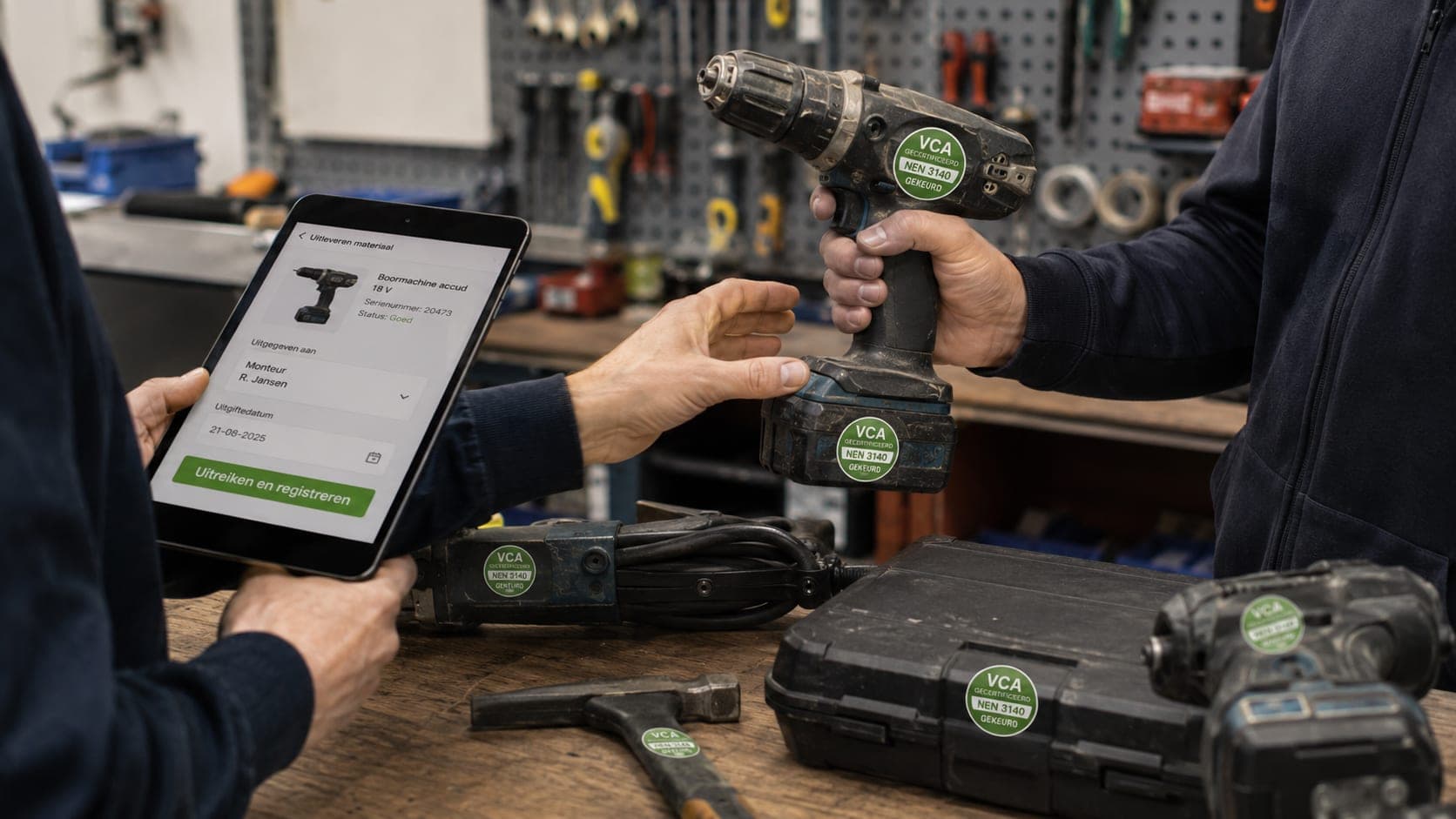
You keep a tool register with inspection dates and a clear status: inspected, due soon or expired. You record who has which item out through issue and return, and you work with teams.
In device management you can block a lost or departed phone, so that it can no longer log in. Single sign-on through the company account is in preparation; so it is not there yet.
Inspection dates watched
Every tool has a status: inspected, due soon or expired.
Issue and return
Record who has which item out and when it is back again.
Teams
Divide tools and equipment across the crews that work with them.
Block a phone
A lost or departed phone you block, so that it can no longer log in.
Warned in time
An inspection that is coming up is visible before the date passes.
An overview of your equipment
What you have, where it is and who is responsible for it, in one place.
Frequently asked questions about this feature
Does the system keep track of the inspection dates?
Yes. Every tool has a status: inspected, due soon or expired, so that you know in time what has to be inspected.
Can I block a lost phone?
Yes. You block a lost or departed phone in device management, so that it can no longer log in.
Is single sign-on through the company account there yet?
Not yet. Single sign-on through the company account is in preparation; at the moment you log in with your own account.
Administration and bookkeeping
Ready to see how it works for yourself?
Start for free and discover in a few minutes why TelMaar fits your business.
Start for free