Work order
The work order you finish on the doorstep
An argument about a bill is rarely about the amount and almost always about what exactly was done. A work order you fill in on the spot and have signed removes that argument before it starts.
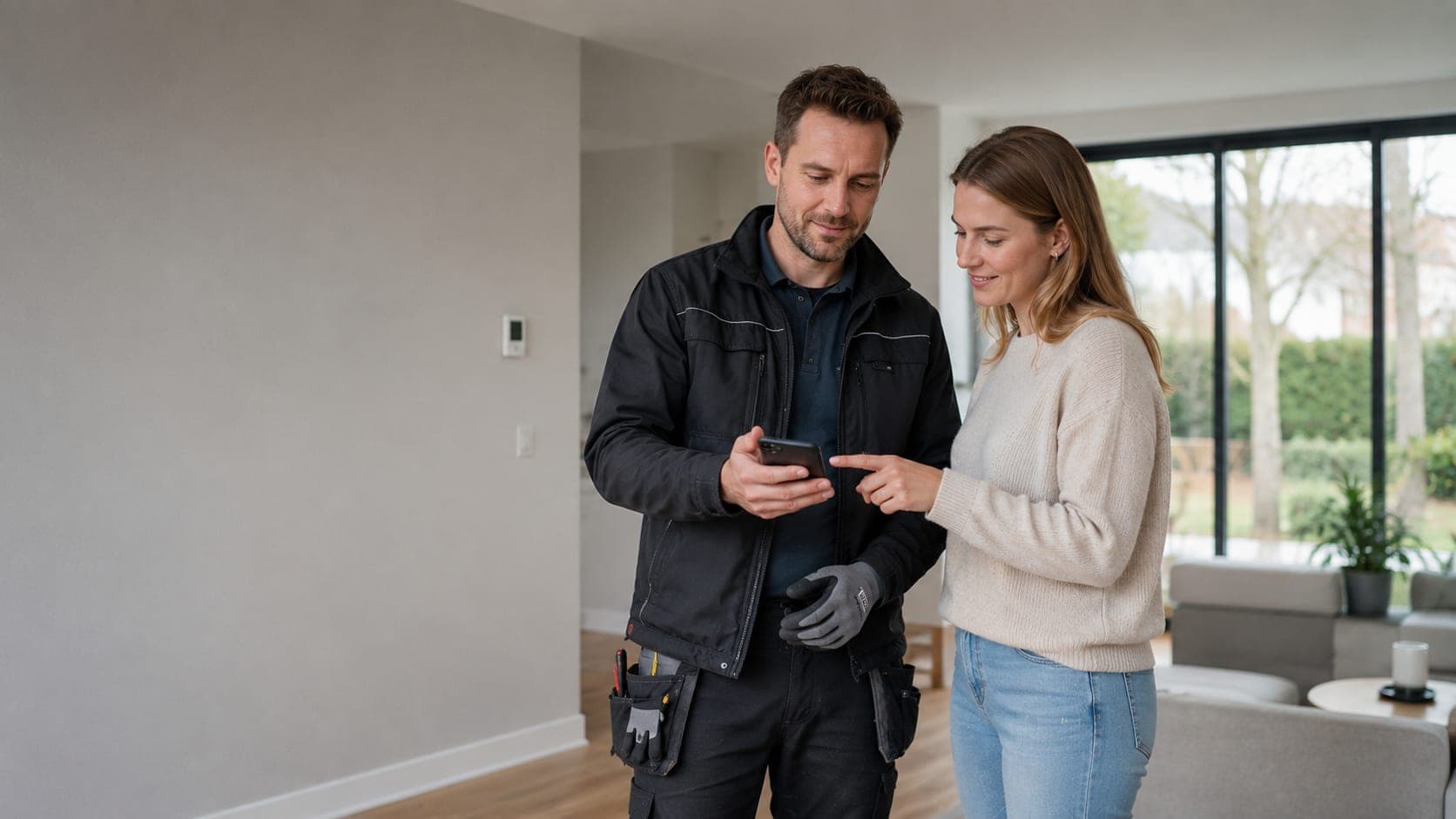
The work order opens on your phone. Timer on when you arrive, tick off materials from your own catalogue, add photos of the situation, and the client signs on the screen. Everything lands on the job, so you have nothing to retype that evening.
Your client sees that same work order in their portal, with the hours, the materials, the photos and their signature. What they do not see are your purchase prices and your margin; that stays on your side of the line.
A timer instead of your memory
Start on arrival, stop on departure. The hours logged match what actually happened.
Photos with the work
The situation you found and the result, on the job instead of in your camera roll.
Signature on the screen
The client signs for approval; that signature belongs to the job and appears in their portal.
Usable with work gloves on
Generous buttons on the phone. The compact layout only starts on a tablet.
Tick off materials
From your product list, with the price and VAT rate you already recorded.
Your client looks along
The same work order in the client portal, without your purchase prices and margin.
Why a work order you still have to write up in the evening costs money
A paper work order gets retyped at the kitchen table in the evening, or sits in the van for a week. In that week you forget an hour, a few metres of cable or the extra trip to the wholesaler. What you forget you do not invoice, and the customer only remembers what was on paper.
In TelMaar you fill in the work order on the job itself, on your phone. Hours, materials from your own product list, a few photos of the work and the customer's signature. What you close on the doorstep is ready as a draft in invoicing a minute later.
What the digital work order shows and why that prevents disputes
The order shows what was done, which materials were used and how long it took, in the technician's language and in Dutch on the printout. The customer signs on screen and immediately receives a copy by email. That fixes what was agreed before the invoice arrives.
If a question about the bill comes up later, you open the work order with photos, timestamps and signature. That usually ends the discussion. For companies with several technicians it also means the office no longer has to call to ask what exactly was done.
Frequently asked questions about this feature
Can the client sign on site?
Yes, with a finger on the screen. The signature lands on the job sheet, with the date and time next to it.
Does the job sheet work without a signal?
You fill it in on your phone, but saving needs a connection. Somewhere without coverage you finish it once you are back online.
Can I add photos of the work?
Yes. Photos of the situation before and after belong to the sheet and stay visible with the job afterwards.
Planning and doing the work
Ready to see how it works for yourself?
Start for free and discover in a few minutes why TelMaar fits your business.
Start for free