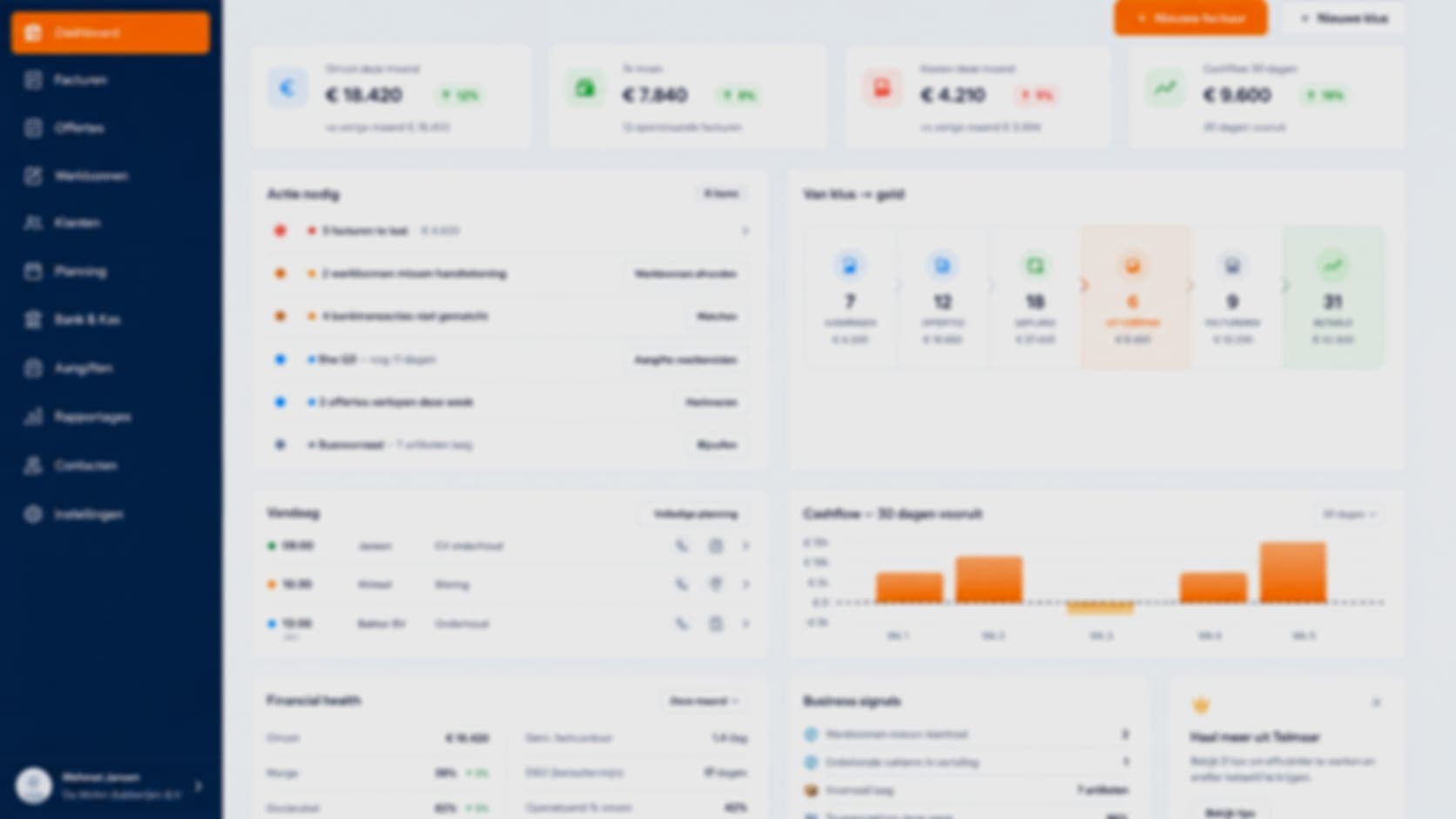
The Command Center
One login. A home screen that fits your role.
An owner, a bookkeeper and an engineer open the same software with completely different questions. In TELMAAR everyone logs in at the same place and everyone gets a different starting screen: eight roles, eight home screens, one set of books underneath.
At the top of every screen sits the Action Center: whatever needs attention, sorted by impact rather than by time. Three overdue invoices weigh heavier than a quote expiring this week. Next to it runs the job to cash bar, which shows per step how much work is waiting and what it is worth.
Eight roles
Owner, finance manager, bookkeeper, external accountant, sales, project manager, employee and engineer.
Action Center
The list of what is going wrong today, ordered by what it costs you.
From job to cash
Request, quote, scheduled, on site, invoicing, paid, with counts and amounts per step.
Frequently asked questions about this feature
Do I need a separate account per role?
No. There is one login per employee. The role decides which home screen they get and what they may see.
Can someone hold several roles?
Yes. An owner who also works on site sees both the overview and their own jobs.
Does this work with just one employee?
Yes. You simply see the owner's screen and keep every step in one overview.
Ready to see how it works for yourself?
Start for free and discover in a few minutes why TelMaar fits your business.
Start for free