Stock
What you put on the work order comes off your van
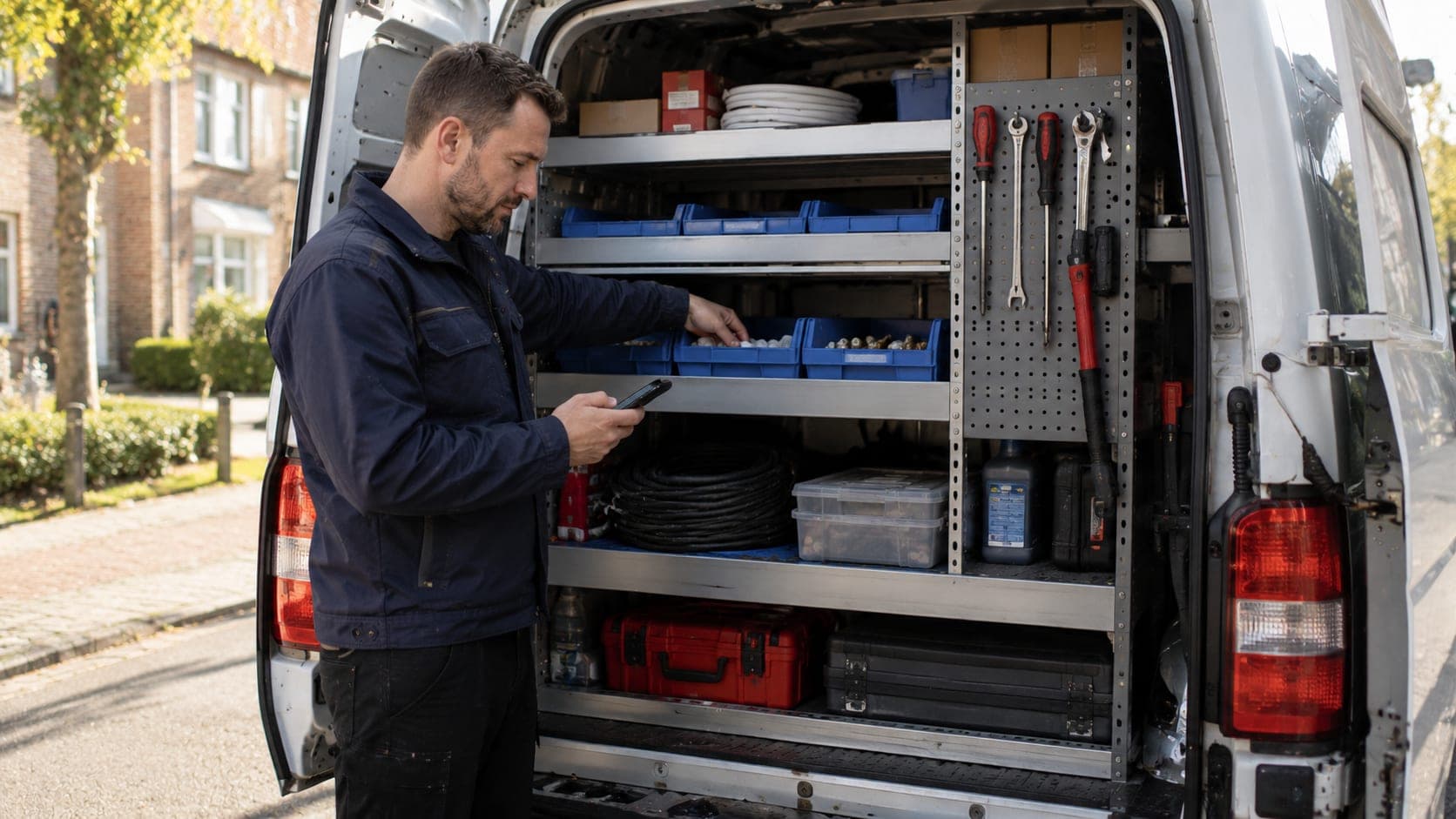
The stock in your van rarely matches the list at the office, because between grabbing a part and updating the administration there is a whole working day. As long as those two stand apart, you keep guessing what is still there.
You work with warehouses and with van stock per engineer. Material you put on the work order comes off your van, without a separate action. The stock can never go below zero and stays right even when two engineers grab something at the same time.
For restocking you record suppliers and purchase orders. The receipt books in, never more than what was ordered, and a restock suggestion shows what is nearly out before you run short.
Warehouse and van stock
A central warehouse and the stock per engineer, each kept separately.
Work order books off
Material you put on the job comes off your van stock on its own.
Never below zero
The stock does not drop below zero and stays right when items are taken at the same time.
Suppliers and purchase orders
Record who you order from and what is on its way to your warehouse.
Receipt books in
What comes in books in, never more than what was on the order.
Restock suggestion
See what is nearly out before you turn up on the job empty-handed.
Frequently asked questions about this feature
Does material on the work order come off my van?
Yes. If you put a part on the job, it comes off your van stock, without you having to update it separately.
Can the stock go negative?
No. The stock can never go below zero and stays right, even when two engineers take something from the same stock at the same moment.
How do I restock?
With purchase orders to your suppliers. The receipt books in, never more than ordered, and a restock suggestion points you to what is nearly out.
Administration and bookkeeping
Ready to see how it works for yourself?
Start for free and discover in a few minutes why TelMaar fits your business.
Start for free