Accountants and bookkeepers
Your clients live, not after the quarter
You usually see a client's figures only once the quarter is over, by email and in pieces. In TelMaar you look along the moment your client invites you, you see per set of books what is still missing, and you pull the file you need yourself.
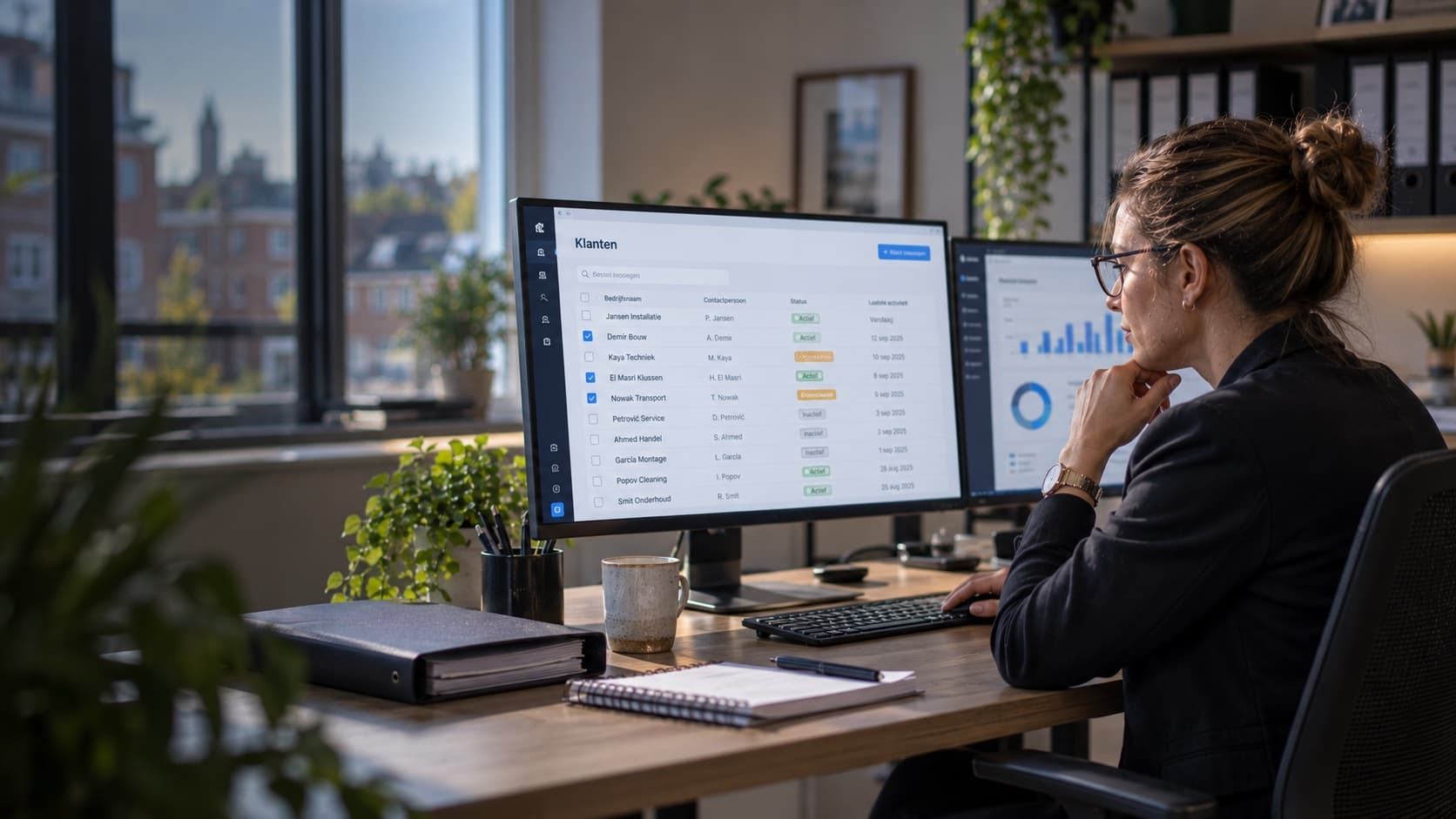
All your clients in one list
Per set of books you see whether it is up to date, whether action is needed and how many tasks are open. So you do not start by making calls.
Look along without being able to change anything
The external accountant role grants read access and nothing else. You are shown no create buttons, and the restriction sits in the database itself.
Pull the audit file and ledger yourself
The XAF audit file, the ledger export and the purchase invoices are ready per period and per company, with the creation date included.
Frequently asked questions
How do I get access to my client's books?
Your client invites you with the external accountant role. You sign in with your own account and then see every set of books where you hold that role, side by side.
Can I change something at a client by accident?
No. External accountant is a read role. You are shown no create buttons, and the restriction sits in the database, not only in the screen.
In which format can I get the figures out?
The XAF audit file, a ledger export and an export of the purchase invoices, each per period and per company. Every file states the period, the company and the creation date.
More about this work
- E-invoicing and Peppol: what are the requirements?A PDF by email is not an e-invoice. What a real e-invoice is, what Peppol and UBL mean, where it is already mandatory and how to prepare for it.
- A dashboard per role: why one Command Center isn't one screenOne overview for the whole business sounds convenient, but a technician and an owner need different information. Here is how a dashboard per role works.
- Preparing your VAT return: a checklist per quarterAvoid a last-minute scramble before the deadline. This checklist helps you prepare the Dutch VAT return calmly each quarter, with the most common mistakes.
Work it out yourself
- Invoice template and example: create a free invoice as a PDFAn invoice has to carry certain details, otherwise your client cannot deduct the VAT. This template puts all of them in place.
- Calculate VATConvert an amount excluding VAT to including, or the other way round. Watch the second direction: 21 percent of an amount that already contains the VAT is not the VAT.
- Calculate your hourly rateStart from what you want to keep and work backwards. The dial that matters most is billable hours: you work more hours than you can invoice, and your rate has to carry the unpaid ones.
Does this sound like you?
Create a free account and see for yourself how TelMaar fits the way you do business.
Start for free