
Planning and job sheets. One system, every language, one reliable set of books.
TelMaar is a multilingual work platform with a single Dutch administrative truth. Plan the work, let your engineer fill in the job sheet in their own language and send an invoice the same day that meets Dutch rules.
100% Dutch
Built for entrepreneurs in the Netherlands.
Save time
Automate your admin and keep time for growth.
Always the latest version
You work in the browser and on your phone, so you are always on the newest version. Nothing to update or install.
Overview and insight
Real-time insight into your figures, wherever you are.
App for iPhone and Android
Invoices, hours and work orders from your phone, in the same books.
Invoice created in under a minute
From quote or blank to a sent PDF, without detours.
6 house style templates
Choose a style that suits your brand and send in your own look straight away.
9 languages in the app, Dutch invoice
Your engineer works in their own language; your customer receives a Dutch or English invoice. You choose which, per customer.
From job to cash
What gets planned, gets invoiced.
Most companies use four systems to handle one job: a calendar, WhatsApp, a work-order app and bookkeeping software. Hours, materials and revenue disappear between them. TelMaar is those four systems in one chain.
- 1
Scheduling
Plan the job and put it in the right engineer's calendar.
- 2
Work order on site
Log hours, materials and photos on the phone, in the engineer's own language.
- 3
Customer sign-off
The customer signs on screen and sees exactly what for, VAT included.
- 4
Invoice and books
One tap: the finished job becomes a correct Dutch invoice, straight into your administration.
No double entry, no forgotten hours, no receipts in a shoebox. What gets done gets invoiced, and what gets invoiced lands in your books automatically.
See it in 15 minutesThe language bridge
Your engineer works in Polish. Your books stay Dutch.
This is what sets us apart from every other package. Everyone in your company picks their own language, and still there is only one set of books: the Dutch one. Amounts, VAT rates, article codes, units and dates never change because of a translation.
Entered on site, in their own language
- PolishTomasz, engineer
Wymiana pompy ciepła, 3 godziny pracy
Job sheet 2026-045
- TurkishMehmet, engineer
Kombi bakımı yapıldı, 2 saat çalışma
Job sheet 2026-046
- ArabicSamir, engineer
تم استبدال المضخة، ساعتان من العمل
Job sheet 2026-047
The books, always Dutch
Werkbon 2026-045 · Warmtepomp vervangen
- Arbeid
- 3,0 uur × € 55,00
- Artikelcode
- WP-045
- Btw
- 21%
- Datum
- 03-09-2026
What your customer receives
Factuur F-2026-0142
In the language recorded for this customer
Checked before sending
Technical terms are locked. A translation never touches the amounts, the VAT or the article codes, and you see the text before it goes out.
What never changes with the language
- Amounts
- VAT rates
- Article codes
- Units
- Dates
- Statuses
Nine interface languages
Every employee picks their own language in the menu. Documents follow the customer, never the user's interface language.
- Nederlands
- English
- Türkçe
- العربية
- Español
- Français
- Deutsch
- Polski
- Български
The engineer on site
Working in your own language. Your customer never notices.
On site only one thing counts: that the work is recorded properly. That works better in the language someone actually speaks. The job sheet that comes out is Dutch, with the hours, the materials and the VAT you can rely on.
Next job and navigation
The app opens on the next job, with the address, the contact and navigation one tap away.
Hours, materials and photos
Log the time worked, pick materials from the van stock and record the situation with photos.
The customer's signature
The customer signs on the screen. The job sheet is done and sits with the job right away.
Offline with sync
In a crawl space or a basement the app simply keeps working. As soon as there is a signal, everything follows.
The same job sheet, three languages
These are real screens from the app, not mock-ups.
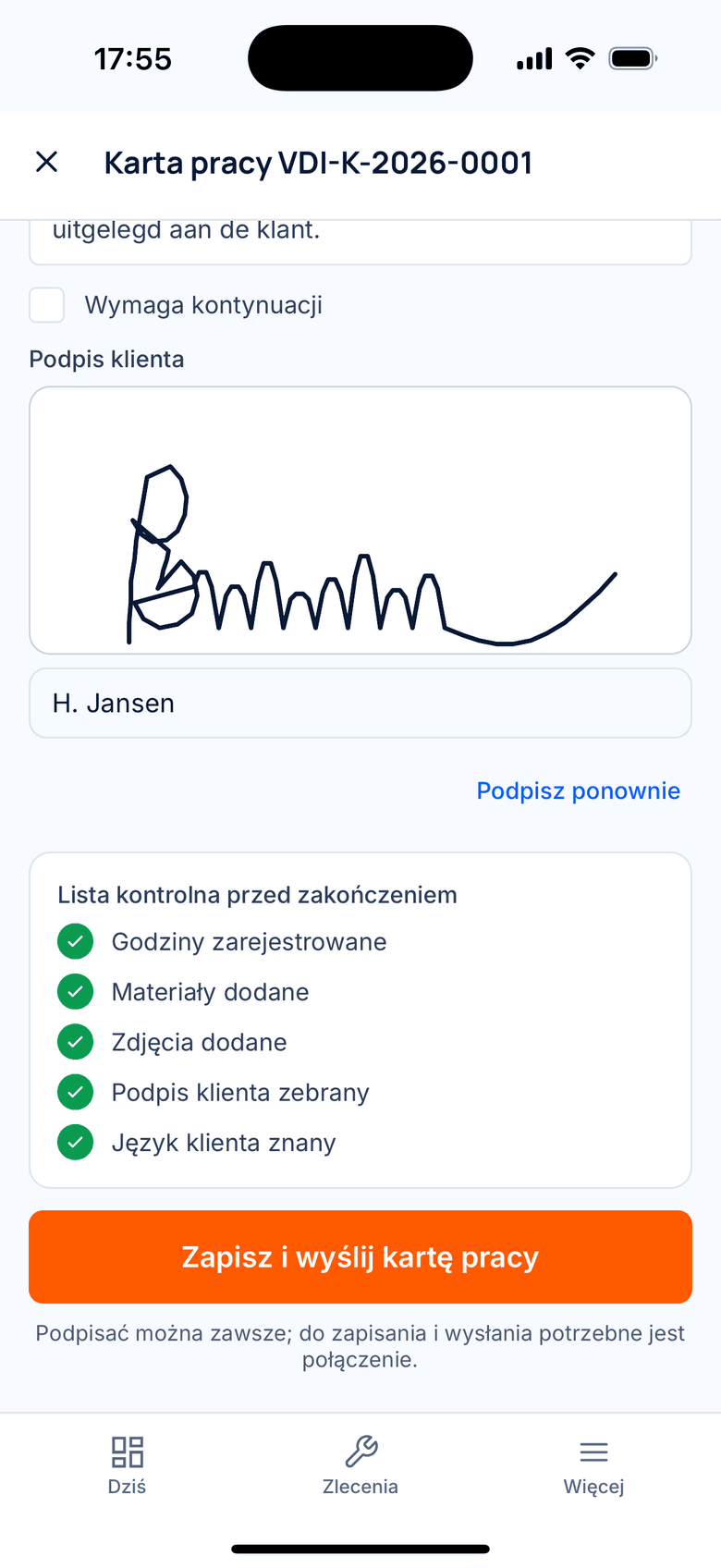
Polski
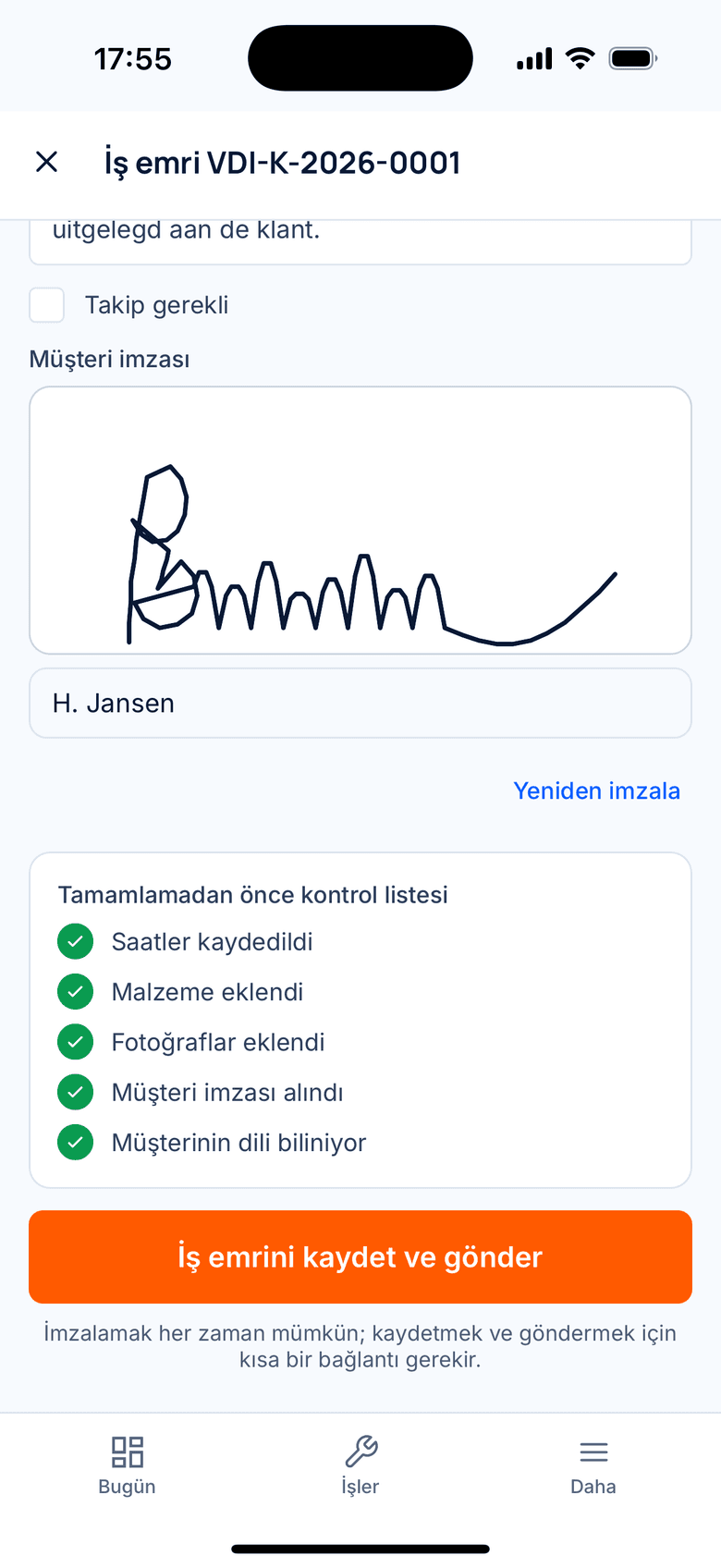
Türkçe
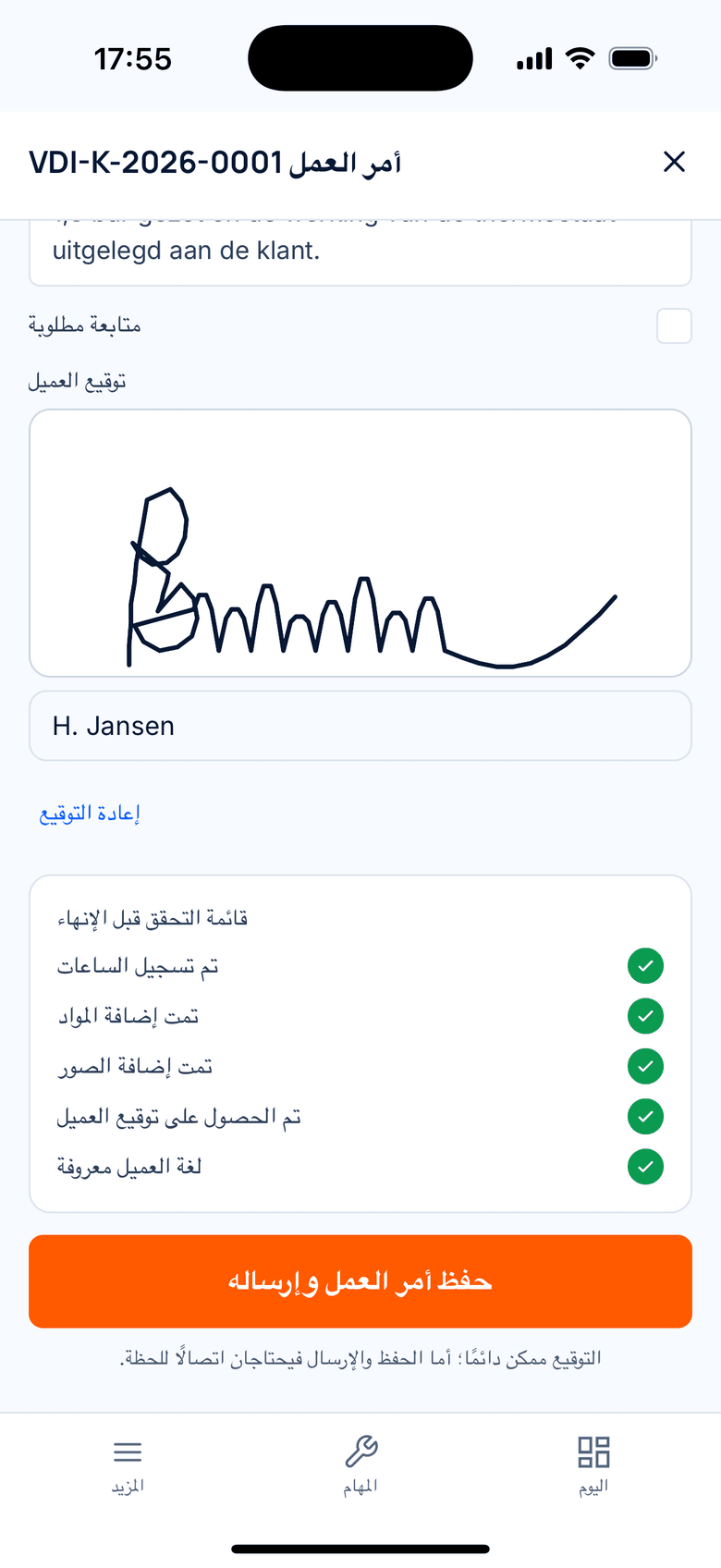
العربية
Invoicing
Invoice in seconds
A quote becomes an invoice with one click. The PDF is automatically in your brand style, with a payment link so your client can pay right away.
- Quote becomes invoice, no retyping
- PDF in your brand style, from 6 templates
- Payment link right on the invoice
Bakkerij De Molen
€1,210.00
Getting paid
Chasing your money without doing the chasing
Reminders go out by themselves, rising in tone. If it still does not arrive, TelMaar calculates what you may legally claim in collection costs and interest. With regular clients you simply collect by direct debit.
- Escalating reminders without you thinking about it
- Collection costs and statutory interest calculated
- SEPA direct debit with mandates and pain.008
- A cash flow forecast from your outstanding invoices
- Day 3 after the due dateFriendly reminder sent
- Day 14Second reminder sent
- Day 30Formal notice with costs and interest
Claimable
€ 2,363.45
principal € 2,000.00 · costs € 300.00 · interest € 63.45
A dashboard per role
Seven home screens, one set of books
Everyone sees what they need and nothing more. Who may see what is fixed in the permissions, right down to the database.
Scroll through the roles
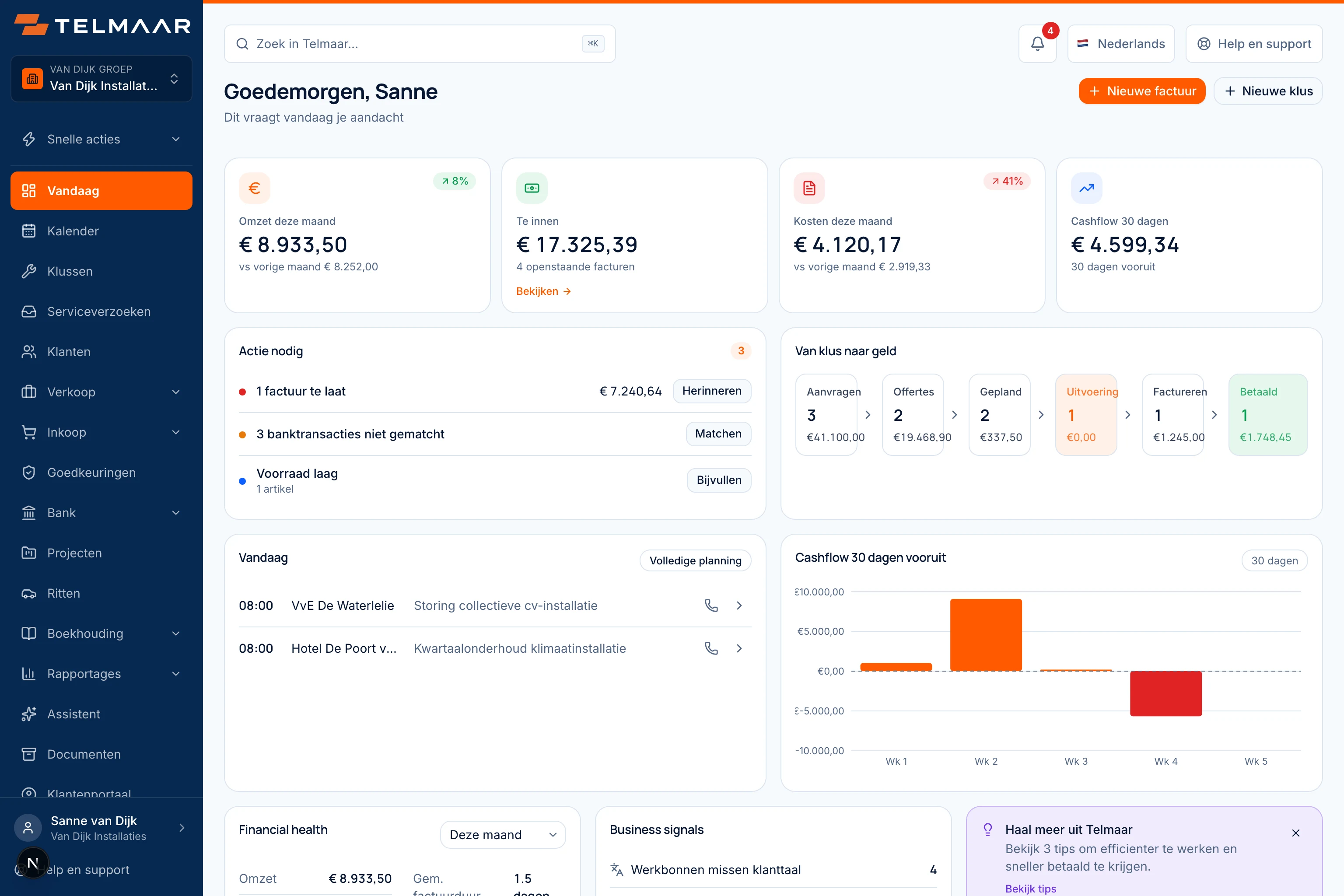
Owner
What needs attention today
Revenue, money to collect, costs and cash flow, with the action list right beside it.
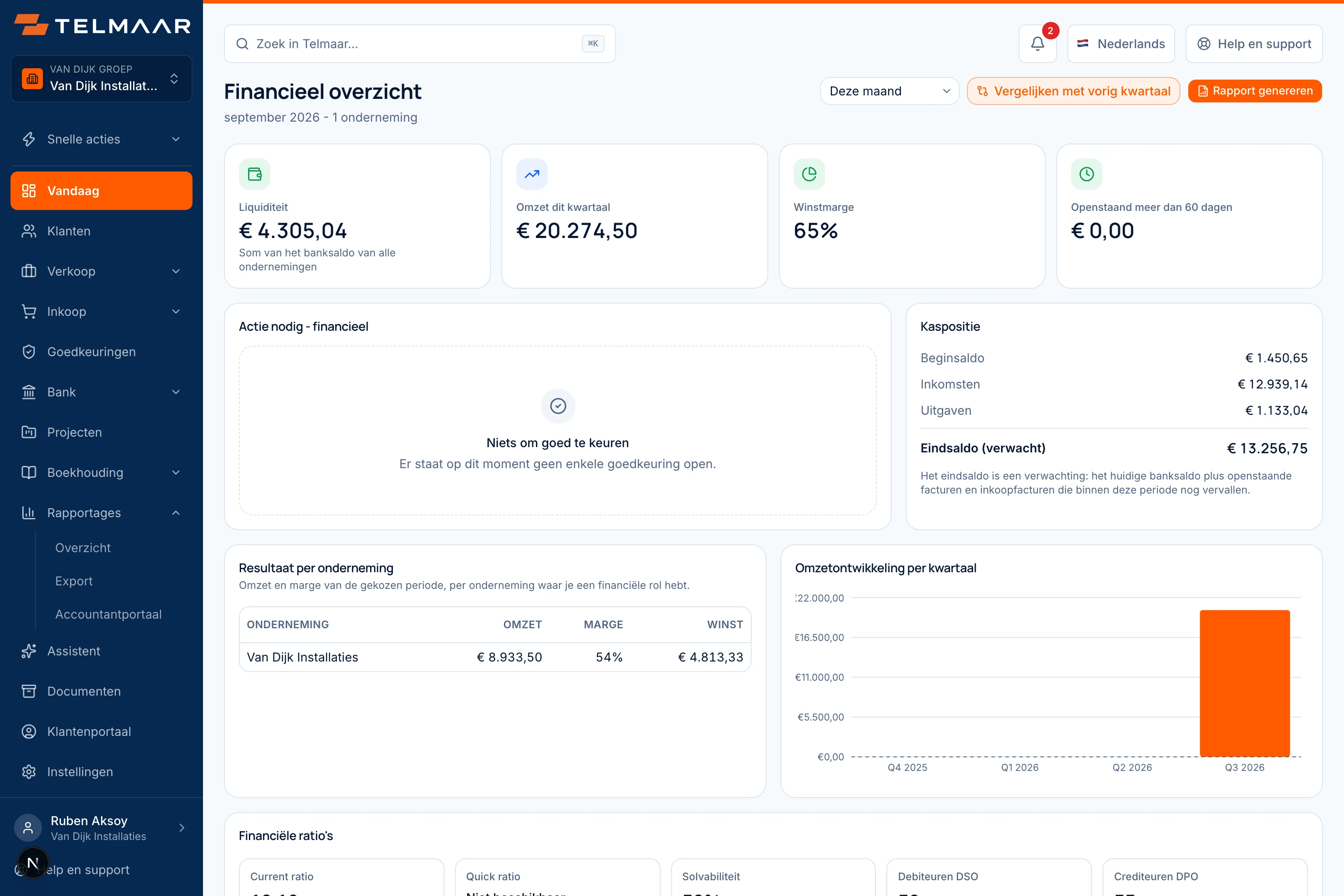
Finance manager
A grip on the cash flow
Open items, payment terms, margin per project and the forecast for the weeks ahead.
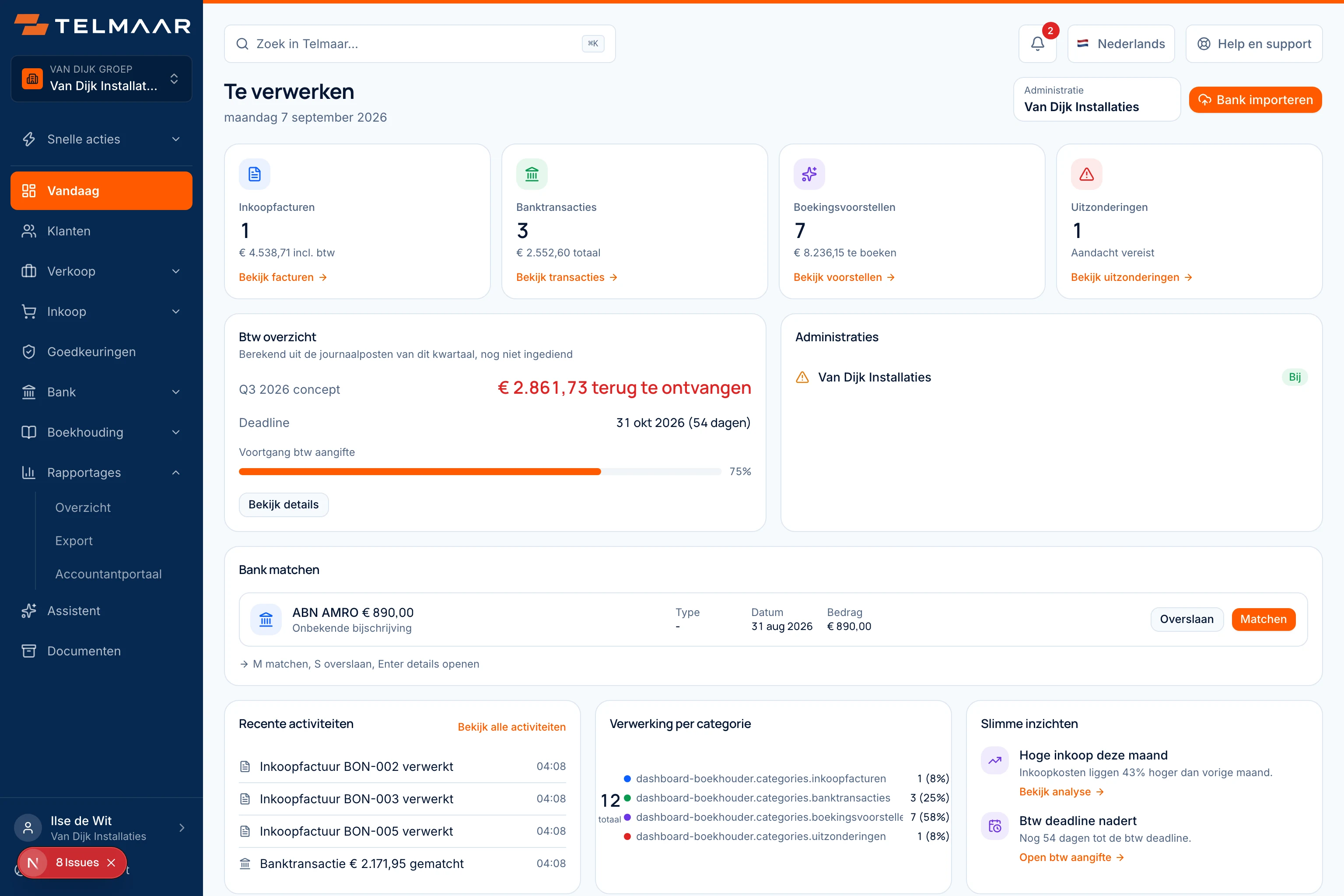
Bookkeeper
What still needs booking
Unmatched transactions, purchase receipts without an invoice and the state of the VAT return.
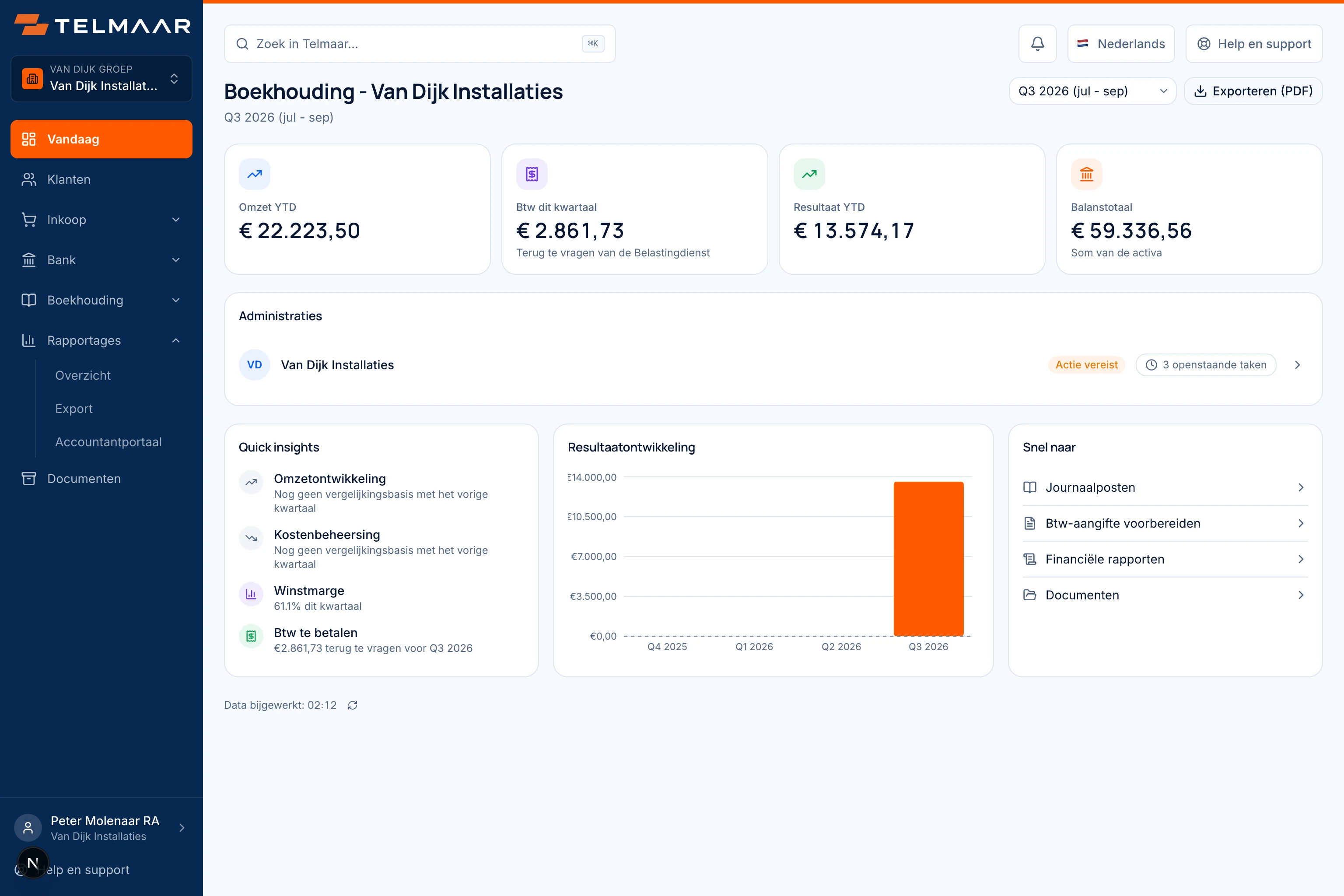
External accountant
Several sets of books side by side
Per client the state of play, what is missing and what is ready to review.
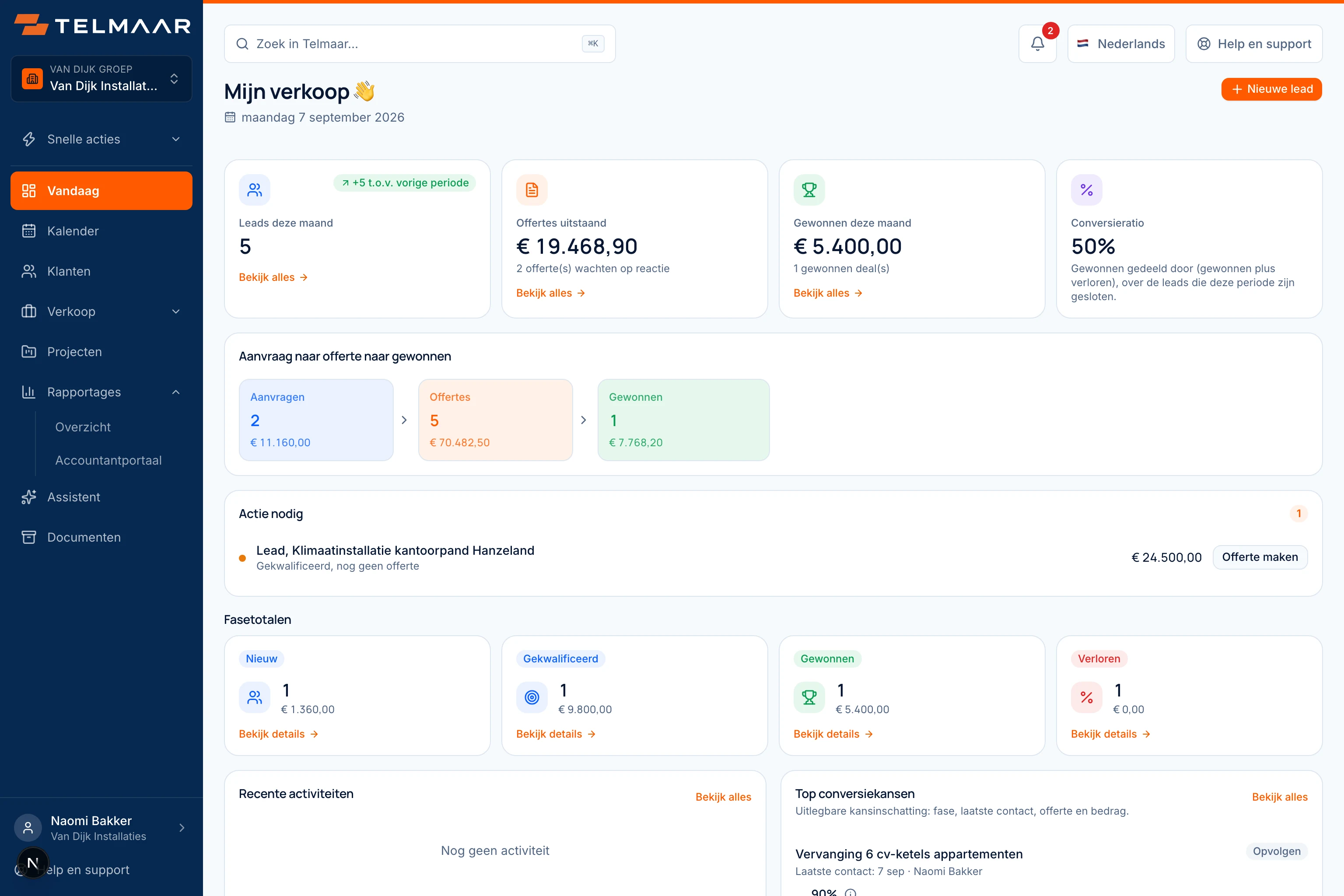
Sales
Opportunities and quotes
Leads, quotes about to expire, accepted quotes and the revenue that follows.
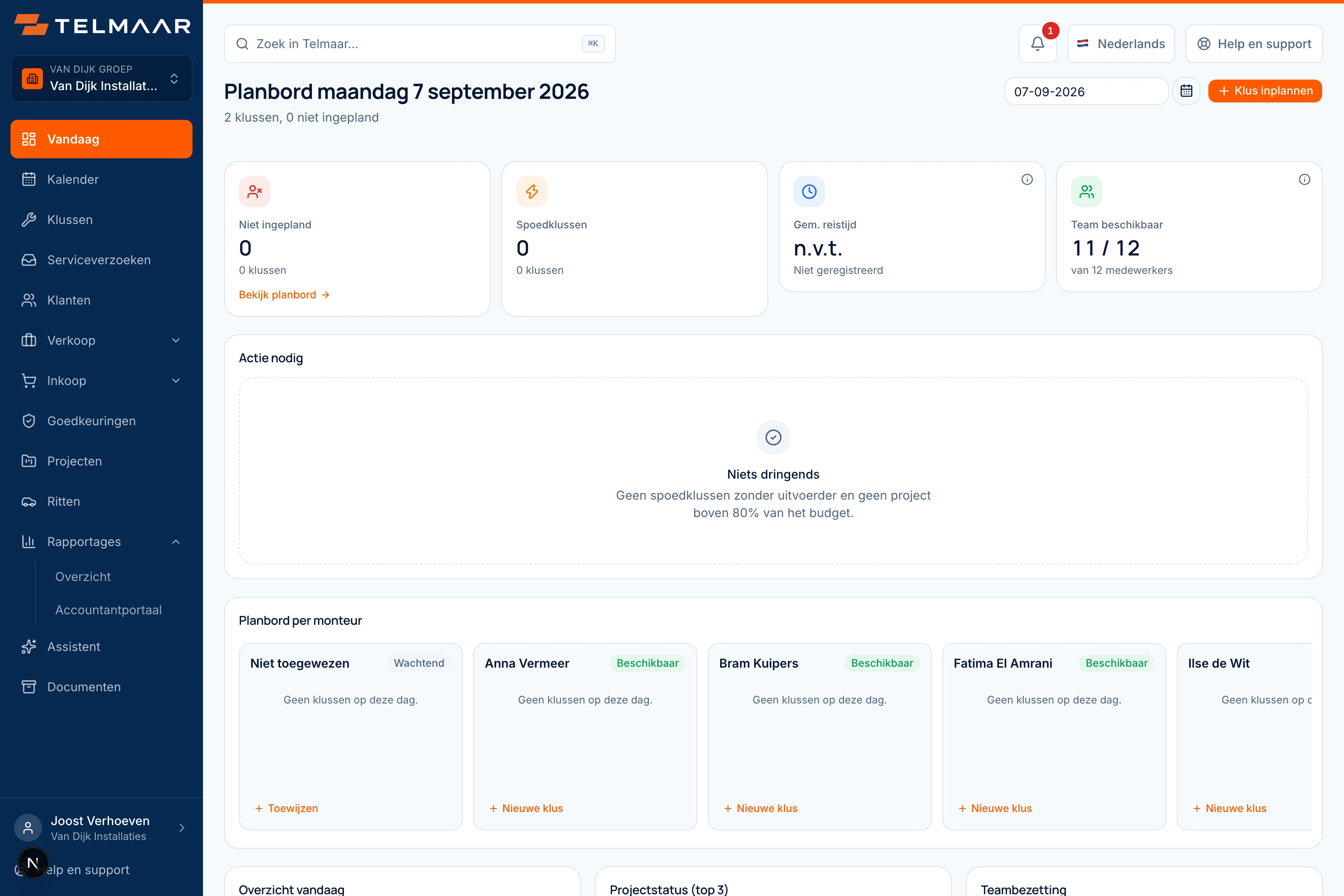
Project manager
Work, people and budget
Running projects, team capacity, hours against budget and whatever is stuck.
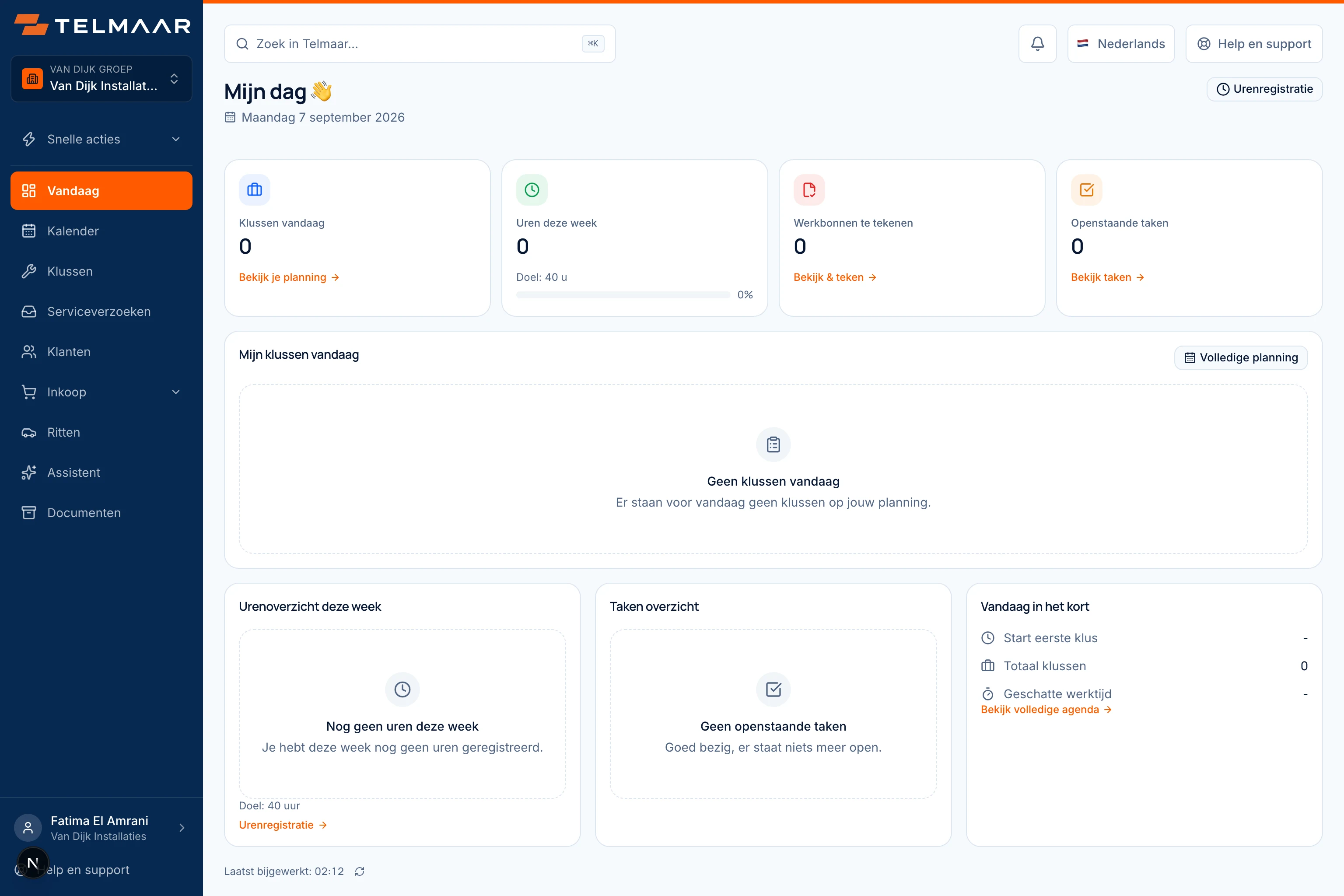
Employee and engineer
My day
Today's jobs, this week's hours and job sheets still waiting for a signature.
For the engineer on site there is also the mobile app, with the same data, the same permissions and the same nine languages.
Features
Everything your business needs, in one place
Planning, invoicing and bookkeeping are in every plan. You enter a customer once, not three times.
Planning and jobs
The job connects your calendar, your hours, your materials and your invoice.
Work order on site
Timer, materials, photos and your client's signature, on your phone.
Invoicing and quotes
Create invoices, quotes and credit notes in your house style and send them straight away.
Getting paid
A payment link on every invoice, reminders that go by themselves and SEPA direct debit.
Bank and cash flow
Import your statement, match the payments and see what is coming.
Bookkeeping and VAT
Your ledger fills itself and the return is ready when you need it.
Client portal
Your client pays invoices, accepts quotes and views their work orders themselves.
Multiple companies
Manage all your entities or trade names under one account, strictly separated.
Nine languages
The whole environment in your language; your invoice stays Dutch or English.
How it works
Invoicing within a day
- 1
Account in 2 minutes
Sign up with your email address. No credit card needed to get started.
- 2
Set up your logo and brand style
Pick a template, add your logo and details, and send your first invoice.
- 3
Grow whenever you want
Add users or companies later. You never buy features separately: every plan includes them all.
Built for your trade
Recognise your business
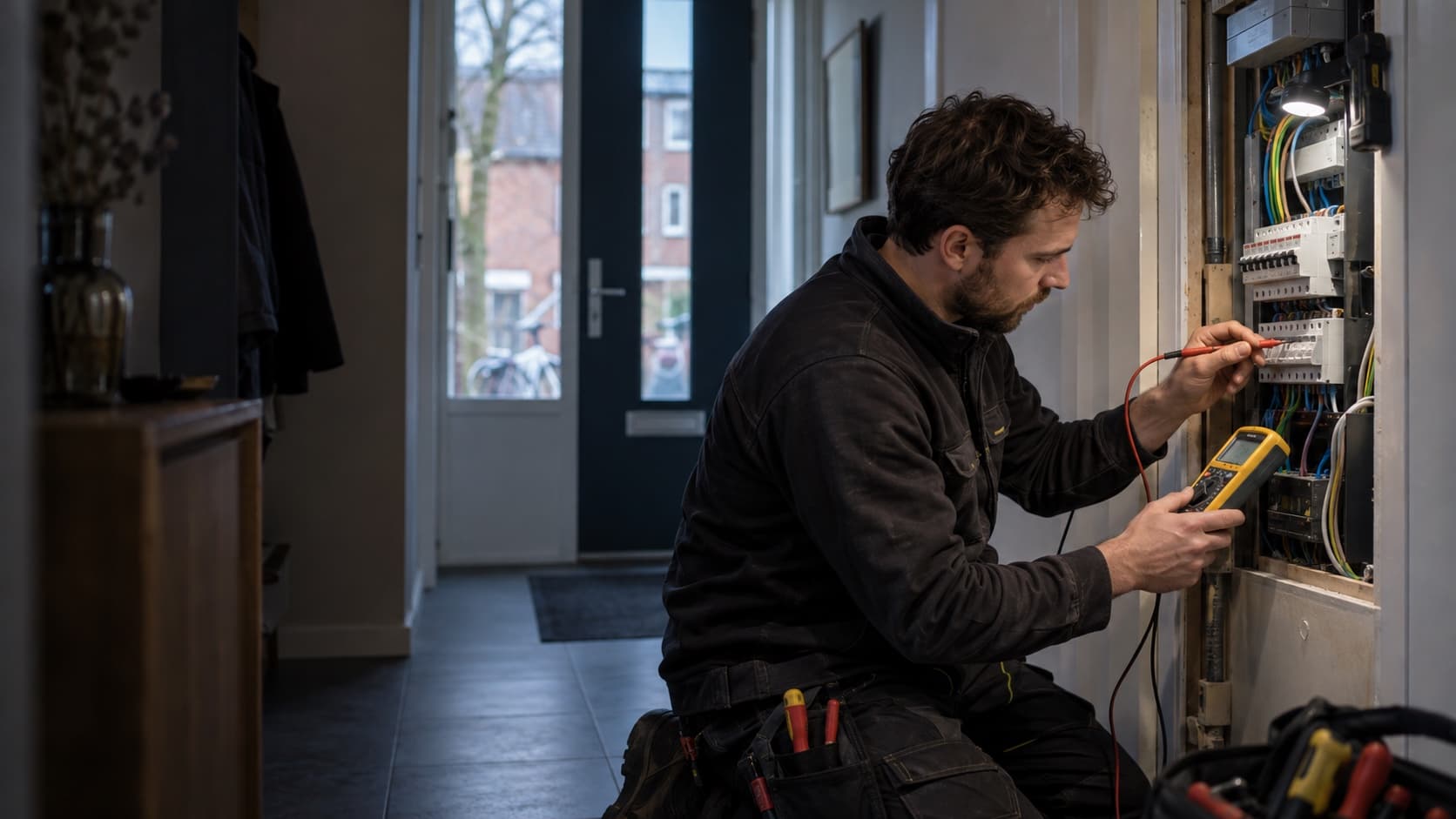
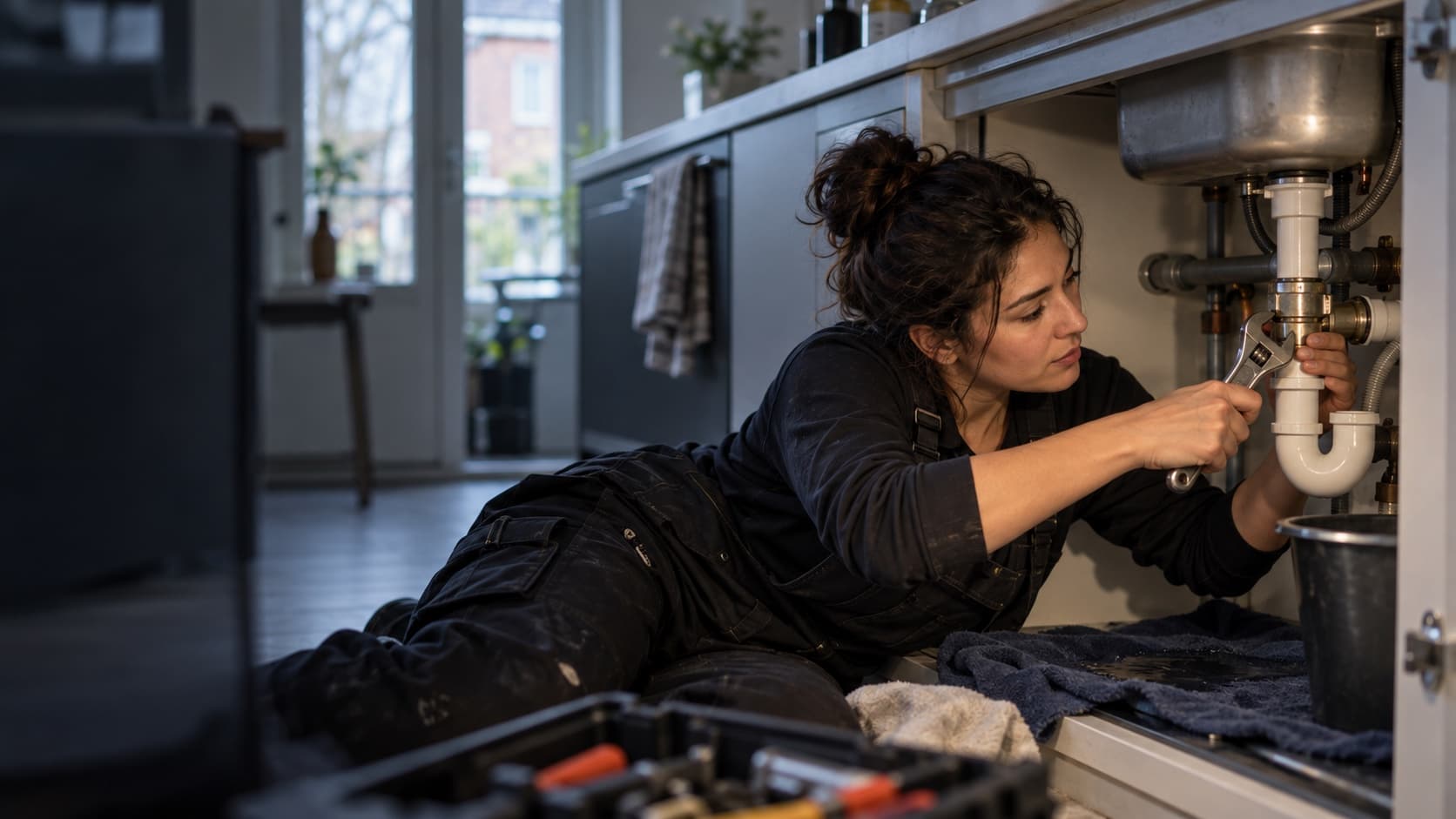
TelMaar is built for companies that work on location. Pick your trade and see exactly what the working day looks like: from first appointment to paid invoice.
- Electricians
- Plumbers and installers
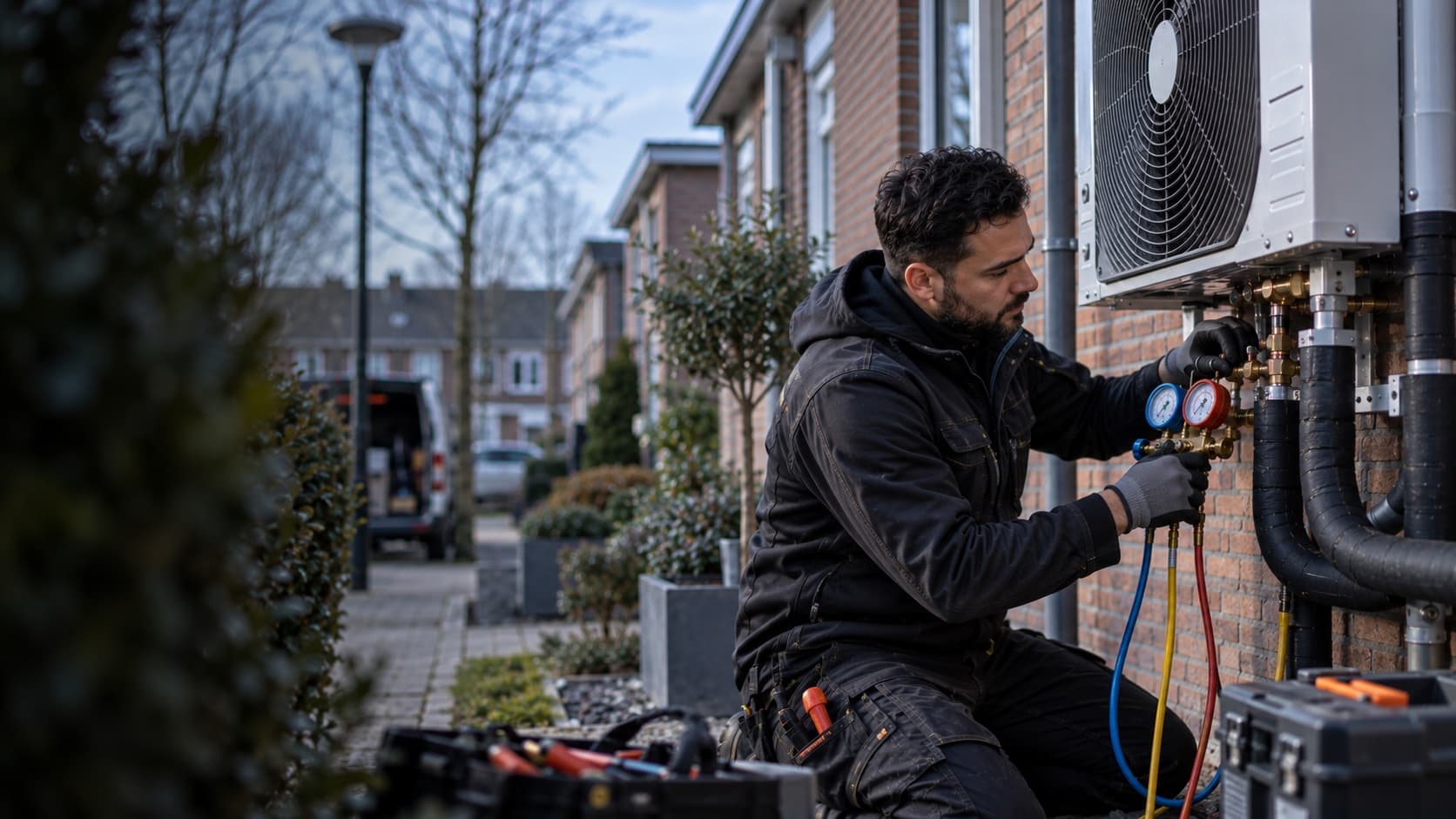
- Heating and heat pumps
- Painters and maintenance
- Cleaning companies
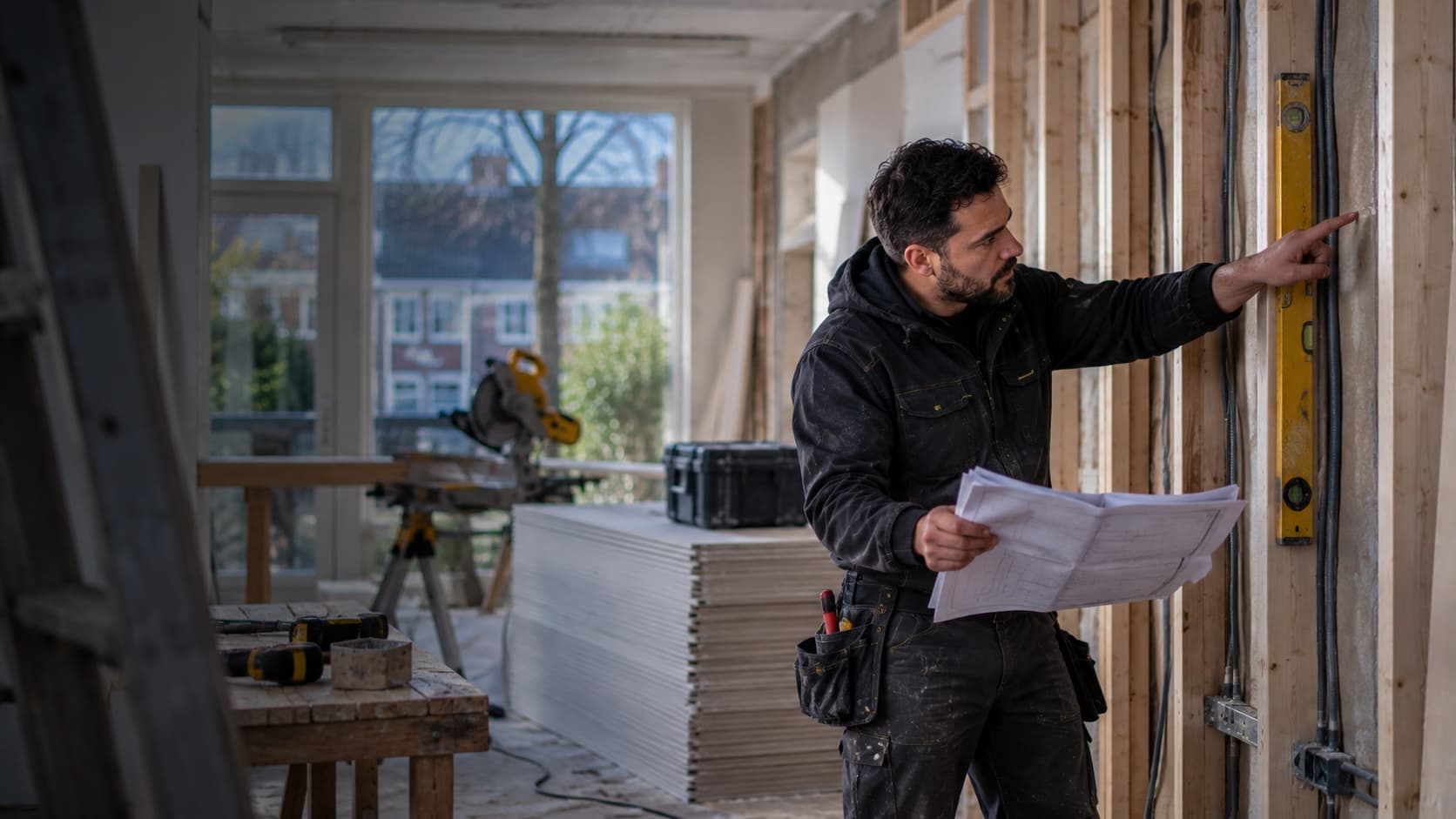
- Small contractors
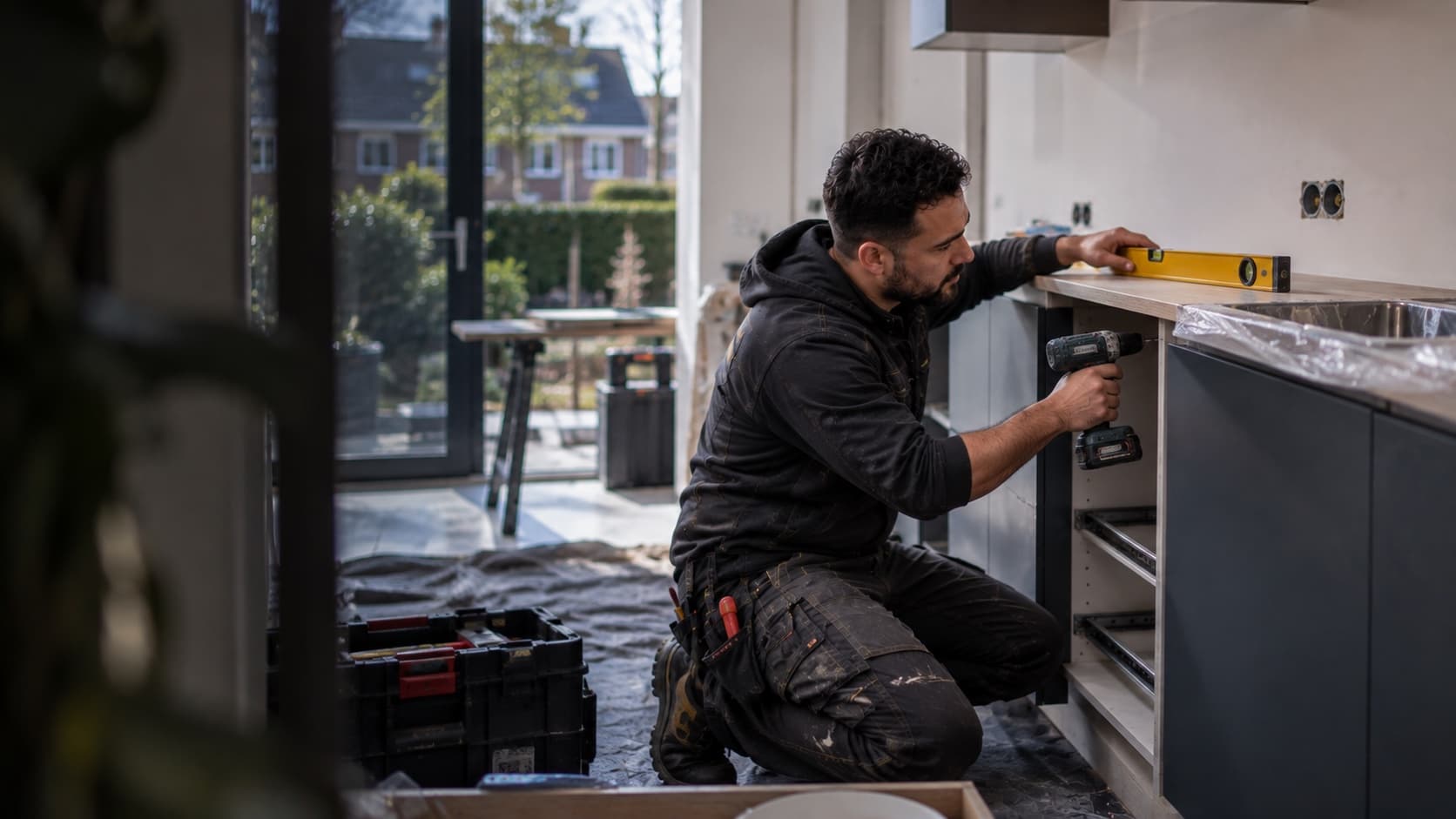
- Kitchen and bathroom fitting
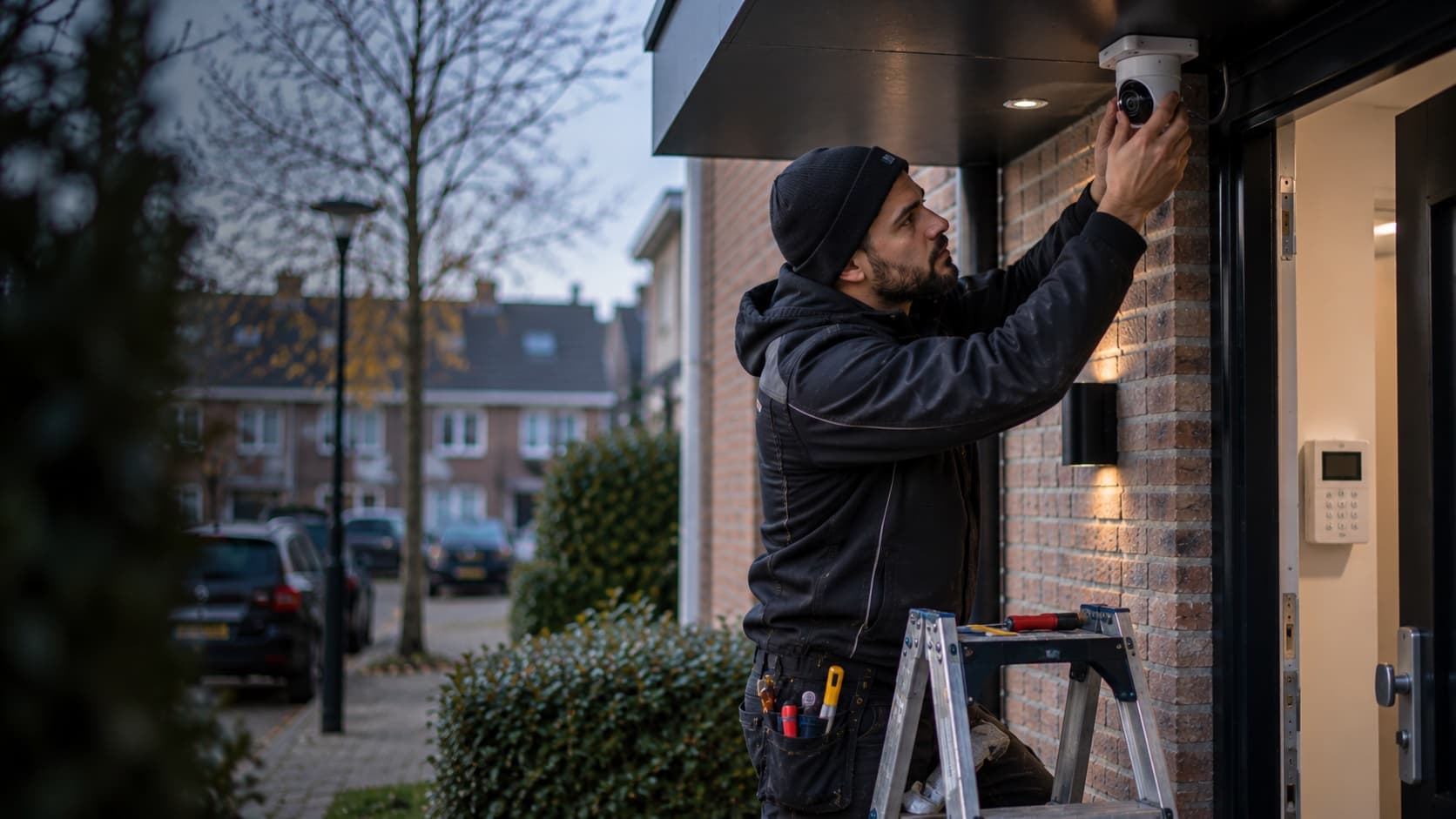
- Security installers
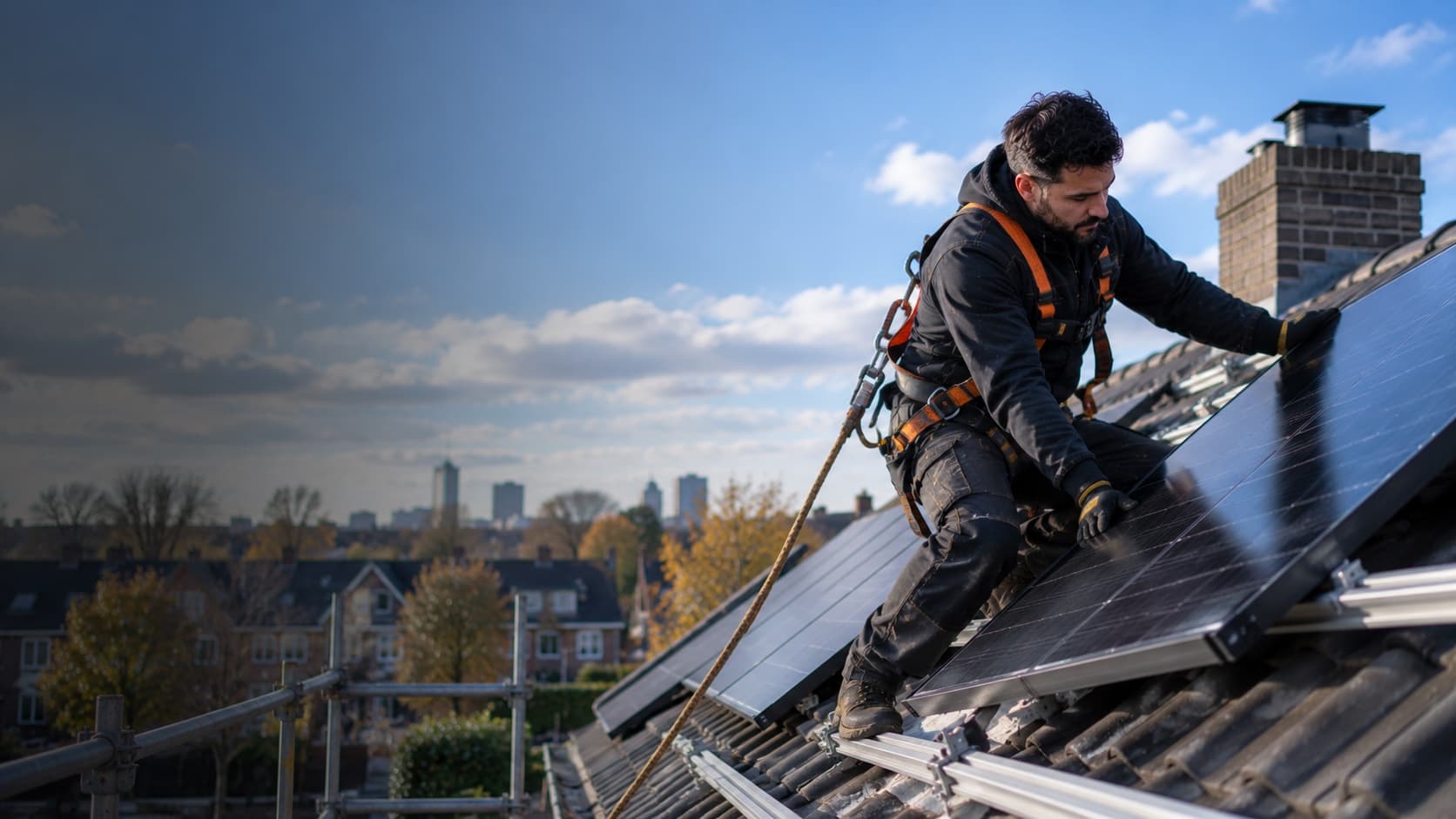
- Solar and EV chargers
- Verandas and canopies
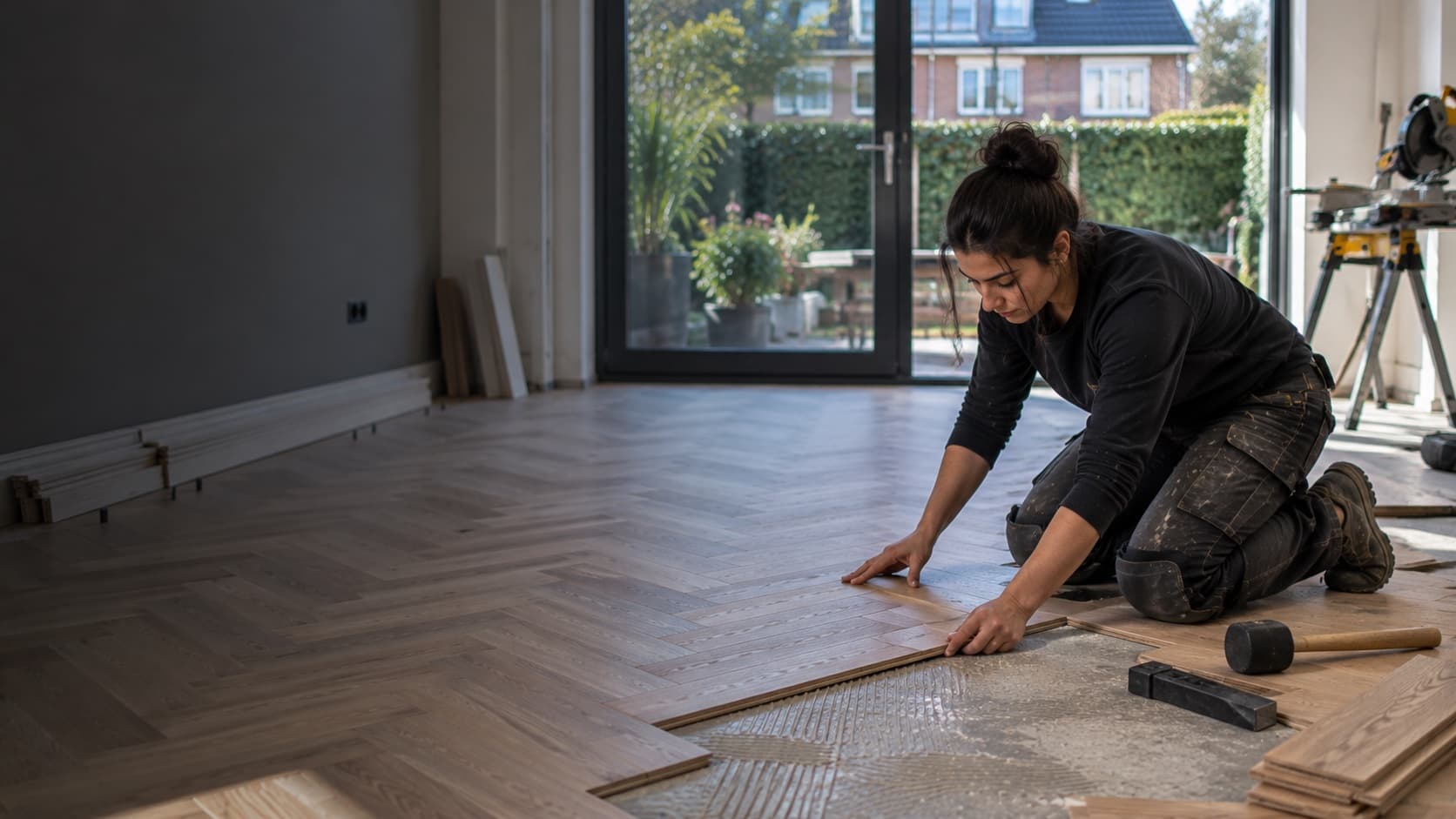
- Floor layers
- Roofers
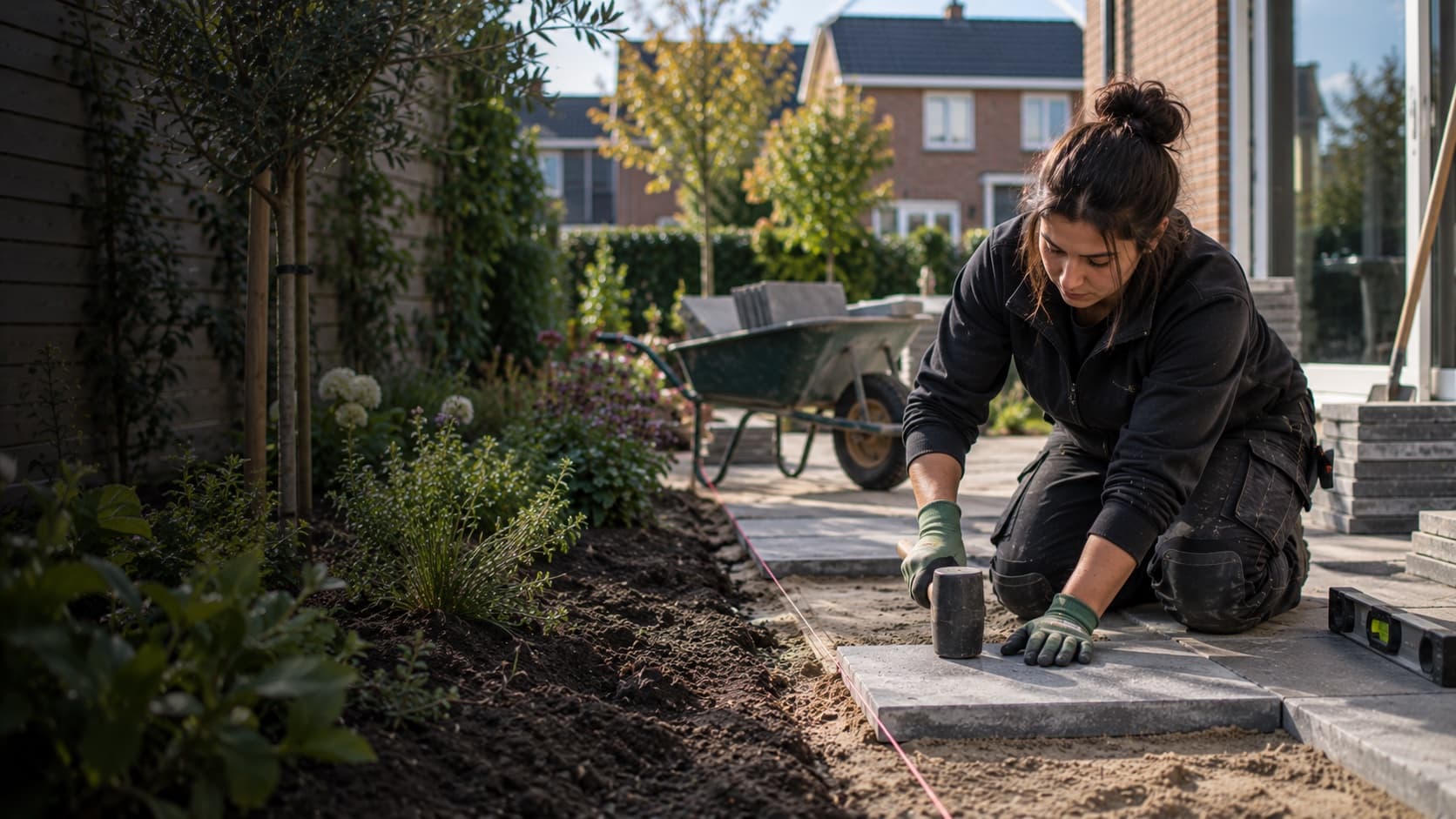
- Landscapers and gardeners
- Plasterers and finishing
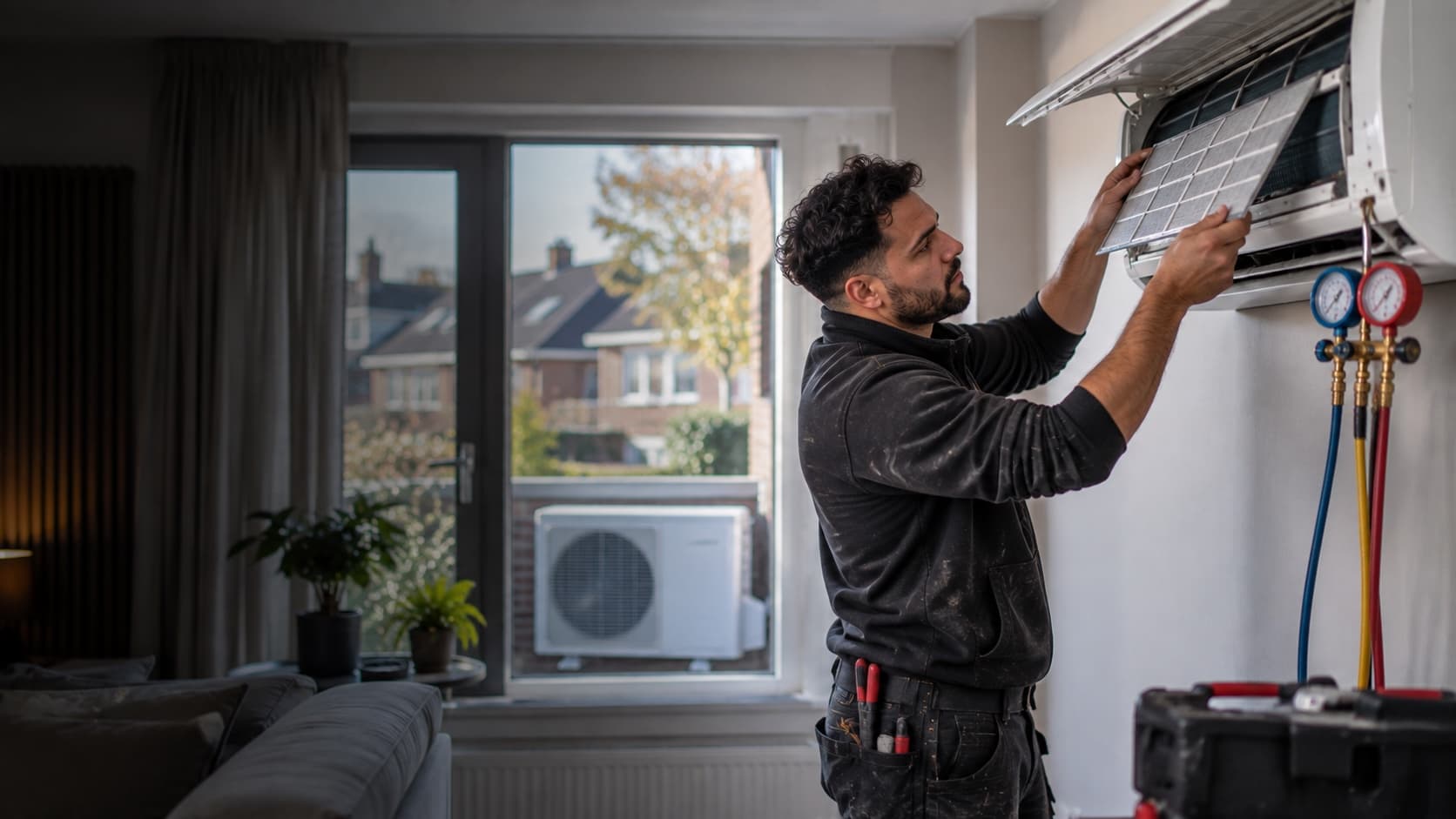
- Air conditioning and cooling





Customers speak
Businesses that work with it every day
From web agency to roofer: this is what business owners say who moved their planning, invoices and bookkeeping into TelMaar.
On a renovation, hours, material and extra work get mixed up. Now everything sits on the job and I see my margin before I invoice. The customer signs on the phone and the invoice is right the first time.
A veranda goes from quote to installation to invoice, and every step used to cost us separate work. Now the quote becomes the job and the job becomes the invoice. My fitters see their day on the phone and I see what comes in.
In maternity care you want to be busy with families, not paperwork. Hours are logged on the phone, the invoice follows by itself and reminders go out without me chasing them. That gives peace of mind.
We lay floors and work with a lot of quotes. In TelMaar the customer accepts the quote digitally in the portal, the job is scheduled immediately and after handover the invoice is there with one click. It really saves evenings.
For security installations the history belongs with the object. Every panel of ours has a QR sticker: scan it and the engineer sees what was done before. Service contracts renew themselves and the SLA sets the priority.
Emergency roof work cannot be planned, but the admin afterwards can. The roofer takes photos, the customer signs on the roof on the phone and the invoice goes out the same afternoon. Offline in a crawl space or on the roof: it just keeps working.
Why switch
Sounds familiar? Then TelMaar is for you
The trade business with three subscriptions
A calendar app, something for work orders and a bookkeeping package that knows neither. The same client entered three times, and at the end of the month working out yourself what still has to be invoiced. In TelMaar the job is the link and the invoice rolls out of it.
The freelancer losing evenings to invoices
Loose Word templates, a spreadsheet for VAT, and figuring out every month what's still outstanding. TelMaar creates and sends invoices in seconds and keeps track of VAT for you.
The SMB with two entities and separate tools
One accounting package per entity, nothing talking to each other. In TelMaar you manage every company in one account, strictly separated yet easy to overview.
The business owner invoicing subscriptions by hand
Copying the same invoices every month and hoping you didn't forget anyone. TelMaar lines them up, a colleague approves, and the rest happens on its own.
Trust & security
Financial data deserves more than a password
Two-factor authentication
Required for everyone with a financial role, no exceptions.
Encrypted bank details
Account details are stored encrypted and never visible in plain text.
Full audit trail
Every change to invoices and bookings is logged, including who and when.
EU data center
Your data lives in Frankfurt, within the European Union.
Rights per company
Anyone without access to an administration does not get that data, not even by a detour.
Four-eyes principle
Above your threshold a second person looks along. Bank details always.
Sessions under control
See where you are logged in and revoke a session. A role change ends them at once.
Access and erasure
Handle GDPR requests. Financial records stay, due to the retention obligation.
From €14.99 a month, everything included
No features locked behind a more expensive plan. You pay for your size, and you can cancel monthly.
Solo
For sole traders working on their own.
€14.99per month
- Internal users1
- Companies1
- Storage10
Everything is in every plan
Extra user: €9.99 per month
ZZP
For sole traders who are growing or work with a small team.
€24.99per month
- Internal users3
- Companies1
- Storage50
Everything is in every plan
Extra user: €8.99 per month
MKB
For companies with staff, planning and field work.
€59.99per month
- Internal users10
- Companies3
- Storage250
Everything is in every plan
Extra user: €6.99 per month
30 days free trial
Frequently asked questions
Still have questions?
Can I try TelMaar for free?
Yes, you start for free and without a credit card. You upgrade only when you choose to.
Does the invoice follow my language or my client's?
The software speaks nine languages, the document does not. An invoice or quote always goes out in Dutch or English, and you set which of the two per customer. That is deliberate: a Dutch business invoices its customer in Dutch, even if the engineer who did the work uses Polish.
Can I manage multiple entities?
Yes, you link multiple companies to one account, each with its own, strictly separated bookkeeping.
Send your first invoice today
Create a free account, set up your brand style and send your first invoice within minutes.
No credit card needed